
12 Best AI Productivity Tools for 2026 (Actually Worth Using)

Every new tool promises to save time. Yet most of us spend the day switching between tabs, searching for information, and trying to remember where we saved something.
Recent workplace research suggests that the average knowledge worker switches between apps hundreds of times every day, while 61% say they spend more time managing work than actually doing it. (Sources: Microsoft Work Trend Index, Asana Anatomy of Work Index)
That's why the best AI productivity tools aren't necessarily the ones with the smartest models. They're the ones that remove repetitive work, reduce context switching, and help you finish tasks faster without adding another app to manage.
In this guide, we've picked the AI productivity tools that actually make a difference. Some help you organize your day, some automate repetitive work, some summarize meetings, and others help you find information instantly.
Best AI Productivity Tools at a Glance
Here's a quick overview of the AI productivity tools featured in this guide.
|
|---|
How We Chose These AI Productivity Tools
Instead of picking the most popular products, we shortlisted tools that solve different productivity problems throughout a typical workday.
Every recommendation in this guide was evaluated using the same criteria.
Time saved. Does the tool eliminate repetitive work or automate tasks that usually consume hours every week?
Daily usefulness. Can you realistically use it several times a week instead of only once in a while?
Workflow fit. Does it improve the tools you already use instead of forcing you to completely change how you work?
Output quality. Whether it's writing, scheduling, coding, research, meetings, or video editing, the AI should consistently produce results that save time instead of creating more work.
Value for money. The productivity gains should justify the subscription cost.
Reliability. We prioritized products with active development, strong user adoption, and a proven track record.
Every tool represents a different category of productivity, from WhatsApp management and research to email, meetings, coding, voice dictation, and content creation. Together, they cover the workflows where most professionals spend the majority of their time.
Let’s dive in!
1. Perisclaw
The AI executive assistant for people who run their work on WhatsApp.

Perisclaw is a WhatsApp AI executive assistant that lives inside WhatsApp and helps you organize conversations, manage follow-ups, search across your knowledge, schedule meetings, and connect with your favorite AI models. Instead of jumping between multiple productivity apps, you can manage much of your day from one place.
Whether you're a founder managing dozens of conversations, a consultant working with clients, or someone who simply spends most of their day on WhatsApp, Perisclaw removes a surprising amount of manual work.
1. Turn WhatsApp into your personal knowledge base
Finding information shouldn't depend on remembering who sent it or when.
Perisclaw automatically builds a searchable knowledge base from your conversations, documents, voice notes, images, and other connected data. Instead of scrolling through months of chats, you can simply ask a question in natural language.
For example, you can ask:
Find the hotel recommendation Sarah shared last month.
Show me the pricing document Rahul sent.
What did we decide during the Singapore launch discussion?
Find the invoice shared in the logistics group.
Because everything stays connected, searching takes seconds instead of digging through dozens of chats.
2. Connect WhatsApp to ChatGPT, Claude, Gemini and other AI agents
Perisclaw includes built-in Model Context Protocol (MCP) support, allowing your favorite AI models to securely interact with WhatsApp.
Once connected, ChatGPT, Claude, Gemini, Cursor, and other MCP-compatible clients can search conversations, summarize discussions, find files, draft replies, and use WhatsApp as part of larger AI workflows.
These integrations make WhatsApp another tool your AI assistant can use instead of an isolated messaging app.
If you're setting up these integrations for the first time, our guides for connecting WhatsApp to ChatGPT and connecting WhatsApp to Claude walk through the process step by step. |
3. Remember conversations without repeating yourself
Most AI assistants forget everything once the conversation ends.
Perisclaw maintains a long-term memory layer that remembers important people, projects, preferences, and recurring context, so you don't have to explain the same information over and over again.
Over time, it becomes increasingly useful because it understands how you work instead of starting from scratch every day.
4. Never miss another follow-up
Small tasks often slip through simply because nobody remembers them at the right moment.
Perisclaw helps you keep track of commitments, reminders, and pending conversations directly from WhatsApp.
For example, you can ask it to:
Remind me tomorrow to send the proposal.
Follow up if John doesn't reply within three days.
Remind me every Friday to send the weekly report.
Notify me before my client meeting next Monday.
Instead of maintaining separate reminder apps, everything stays connected to the conversation where the task originated.
5. Manage your calendar directly from WhatsApp
Scheduling usually means switching between WhatsApp and your calendar multiple times.
Perisclaw can help create events, check your availability, identify conflicts, and organize your schedule without leaving WhatsApp.
Common examples include:
Create a meeting from this conversation.
Block two hours tomorrow for deep work.
Check if I'm free next Wednesday afternoon.
Move Friday's meeting to Monday morning.
This makes scheduling feel much more natural because your conversations and calendar work together.
6. Search across files, emails, and connected apps
Information rarely lives in just one place.
Perisclaw can search across connected services so you don't have to remember whether something was shared through WhatsApp, Gmail, Google Drive, or another tool.
Instead of opening multiple applications, you can simply ask for what you need and let Perisclaw find it.
7. Connect your entire workflow with integrations
Beyond WhatsApp, Perisclaw connects with the tools many professionals already use every day.
Depending on your workflow, you can integrate services such as:
Google Calendar
Gmail
Google Drive
Notion and more
This allows your AI assistant to work across your entire workflow instead of being limited to a single application.
8. Voice-first productivity
Not every task starts with typing.
Perisclaw lets you capture ideas, reminders, and requests using voice messages, making it easy to organize work while you're walking, driving, or between meetings.
Instead of opening multiple apps later, your voice notes can become reminders, calendar events, or searchable knowledge automatically.
Best for
Founders, consultants, executives, creators, freelancers, and professionals who already spend a large part of their day on WhatsApp and want a personal AI assistant that helps them stay organized without constantly switching between apps.
Pricing
Free trial available. Paid plans start at $15/month. You can try features like AI search, reminders, follow-ups, calendar integrations, and WhatsApp MCP before subscribing.
2. ChatGPT
If there's one AI tool that changed how millions of people work, it's ChatGPT. Whether you're writing emails, brainstorming ideas, analyzing spreadsheets, planning projects, or learning something new, ChatGPT helps you finish everyday tasks much faster.
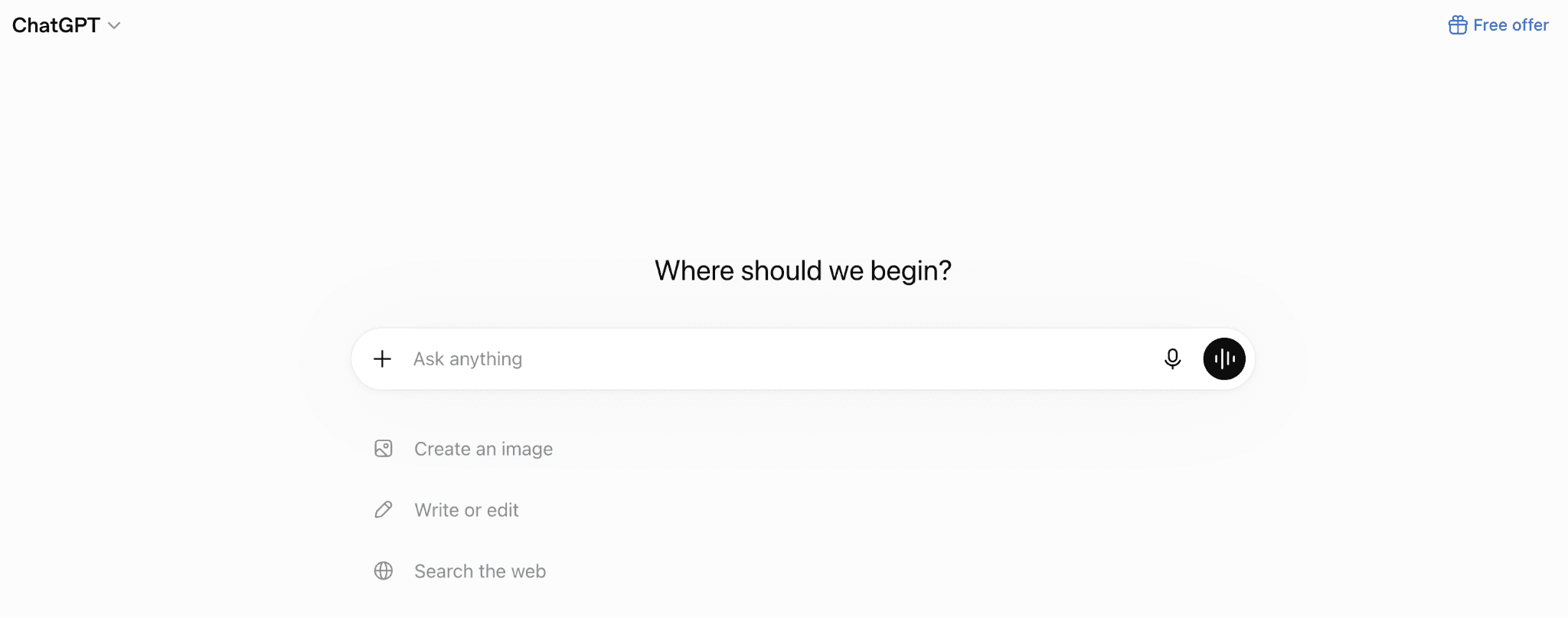
What makes it useful is the number of different jobs it can handle. Instead of switching between multiple tools, many professionals now use ChatGPT as their first stop for writing, research, coding, presentations, image generation, and problem-solving.
Key Features
Writing assistance for emails, reports, proposals, blogs, presentations, and social media content.
Data analysis that helps summarize spreadsheets, explain trends, and work with structured data.
Coding support for debugging, generating code, and explaining technical concepts.
Image generation for mockups, illustrations, diagrams, and creative ideas.
Custom GPTs that let you build specialized AI assistants for repetitive workflows.
Best for
Professionals looking for one AI assistant that can handle writing, planning, brainstorming, coding, and everyday work.
Pricing
Free plan available. ChatGPT Plus starts at $20/month, with higher-tier Pro and Team plans available for heavier usage.
3. NotebookLM
Research usually isn't difficult because information is hard to find. It's difficult because information is scattered across PDFs, documents, presentations, meeting notes, and reports.
NotebookLM solves that problem by turning your own documents into an AI-powered knowledge base.

Instead of searching through folders or reading hundreds of pages again, you simply ask a question. NotebookLM answers using only the documents you've uploaded, making it especially useful for researchers, consultants, students, and anyone working with large amounts of information.
One of NotebookLM's biggest strengths is Audio Overviews. Instead of reading another report, you can generate a podcast-style conversation that explains your documents in plain English. It's an easy way to review research while commuting, walking, or between meetings.
Key Features
Chat with your own documents instead of searching through folders manually.
AI-generated summaries for lengthy reports, books, research papers, and meeting notes.
Source-backed answers with citations from your uploaded material.
Study guides, FAQs, and briefing documents generated automatically.
Audio Overviews that turn your research into podcast-style conversations you can listen to.
Best for
Researchers, students, consultants, and professionals who work with large collections of documents.
Pricing
Free with a Google account. Higher usage limits are available through Google AI Pro and Google AI Ultra subscriptions.
4. Claude
Claude has built a strong reputation for long-form writing, careful reasoning, and working with large documents. While many AI assistants are great for quick answers, Claude is particularly good at handling complex tasks that require context and thoughtful responses.
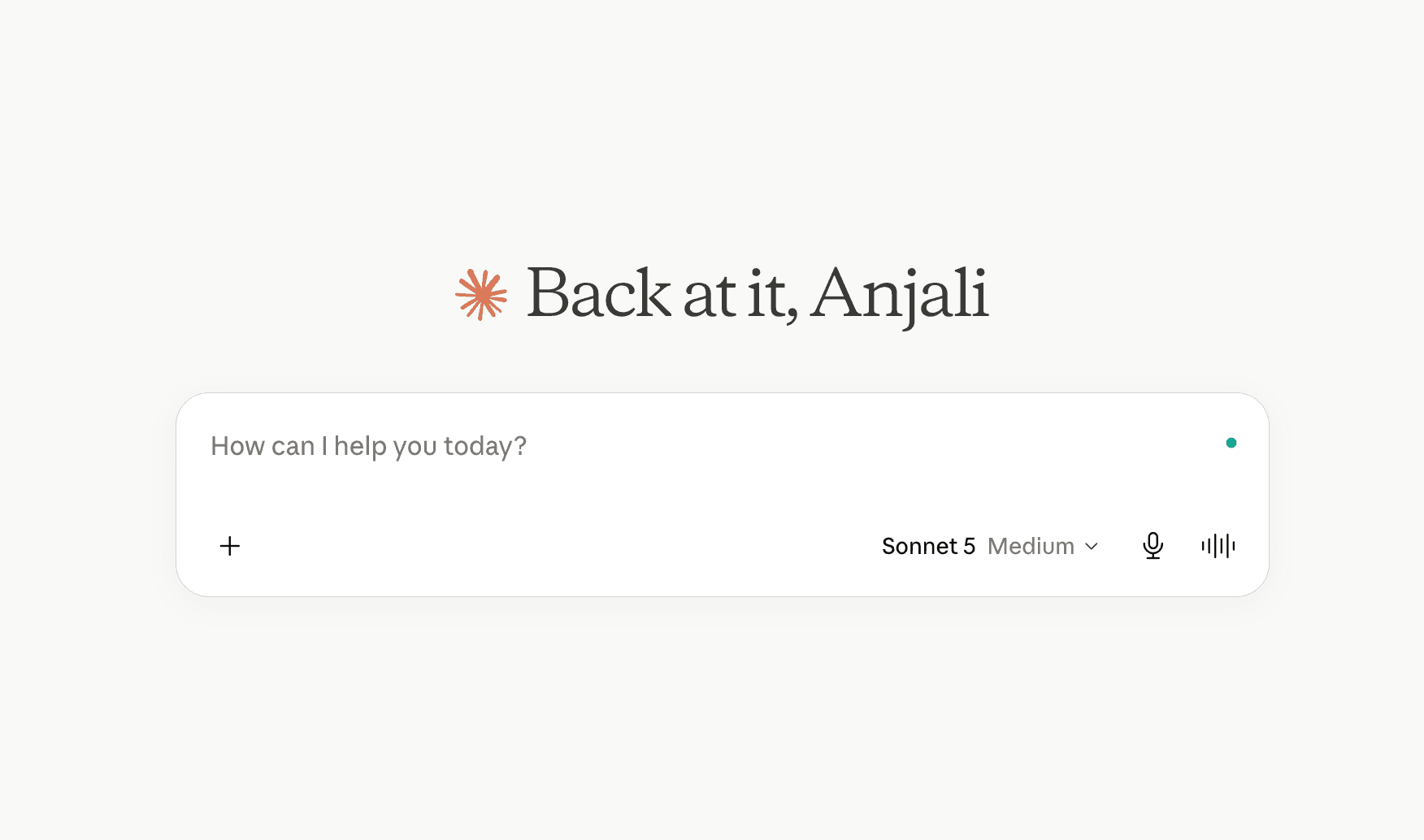
It's often the tool writers, analysts, consultants, and researchers reach for when reviewing contracts, editing reports, analyzing research papers, or improving long-form content.
Key Features
Excellent long-form writing for articles, reports, documentation, and business communication.
Large context window that can understand lengthy documents in a single conversation.
Strong reasoning abilities for analysis, planning, and complex problem-solving.
Document review for contracts, proposals, policies, and technical documentation.
Coding assistance for debugging, explanations, and software development.
Best for
Writers, researchers, consultants, analysts, and professionals working with long documents.
Pricing
Free plan available. Claude Pro starts at $20/month, with Team and Enterprise plans available for organizations.
5. Perplexity
Traditional search engines give you links. Perplexity gives you answers with sources.
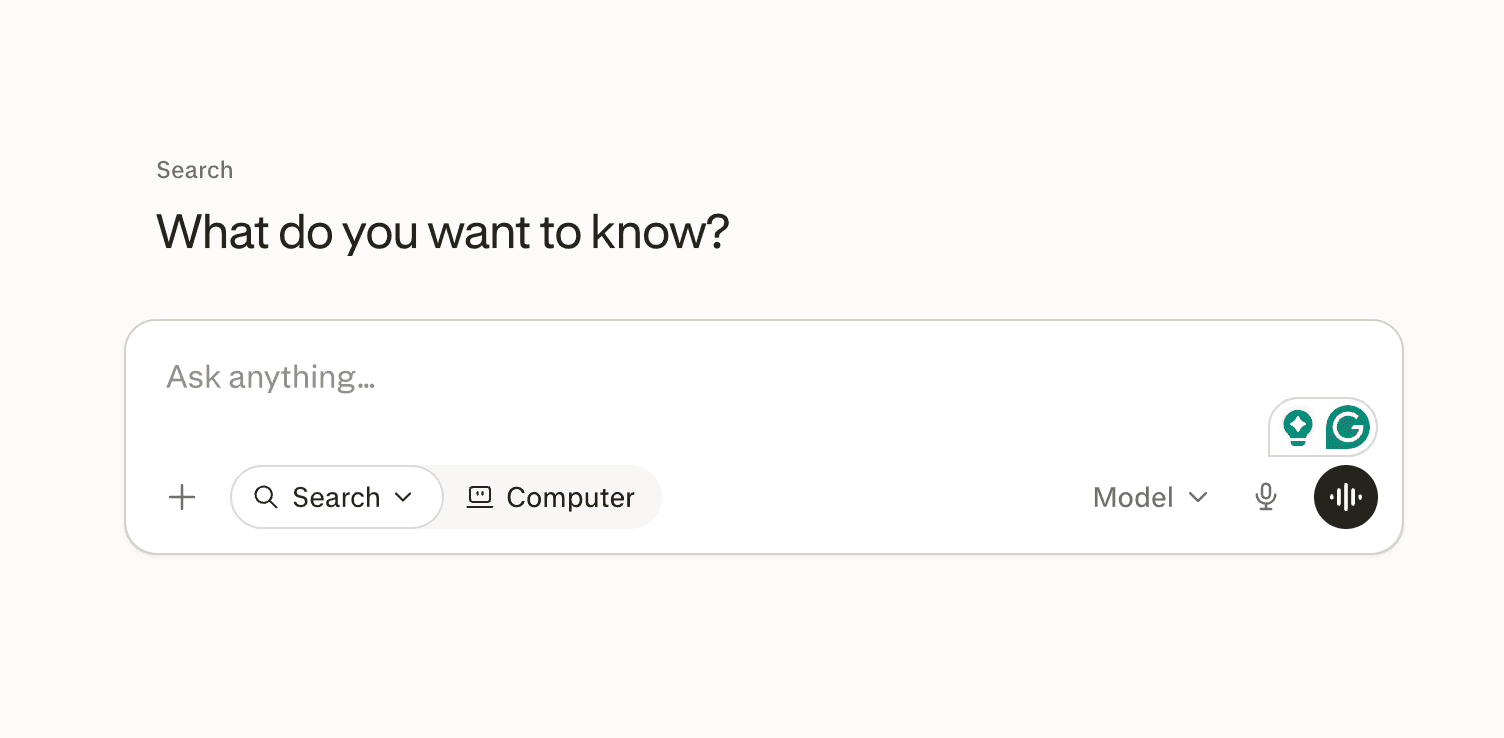
Instead of opening ten browser tabs to research a topic, you can ask a question and receive a summarized response backed by citations from across the web. It saves a surprising amount of time, especially when researching unfamiliar topics or verifying information.
Unlike NotebookLM, which answers questions using your own uploaded documents, Perplexity searches the live web. That makes it better for researching current events, competitors, industry trends, and topics that change frequently.
Key Features
AI-powered web search with real-time information.
Source citations for every answer, making it easier to verify information.
Follow-up conversations that build on previous questions.
Research collections for organizing multiple searches.
Support for web browsing, images, videos, and academic sources.
Best for
Researchers, marketers, journalists, students, and anyone who spends time searching the web every day.
Pricing
Free plan available. Perplexity Pro starts at $20/month, adding access to more advanced AI models, higher usage limits, and premium research features.
6. Motion
Planning your day sounds simple until meetings move, deadlines change, and new tasks appear throughout the day. Motion automatically rebuilds your schedule whenever priorities change, helping you spend less time planning and more time doing the work.
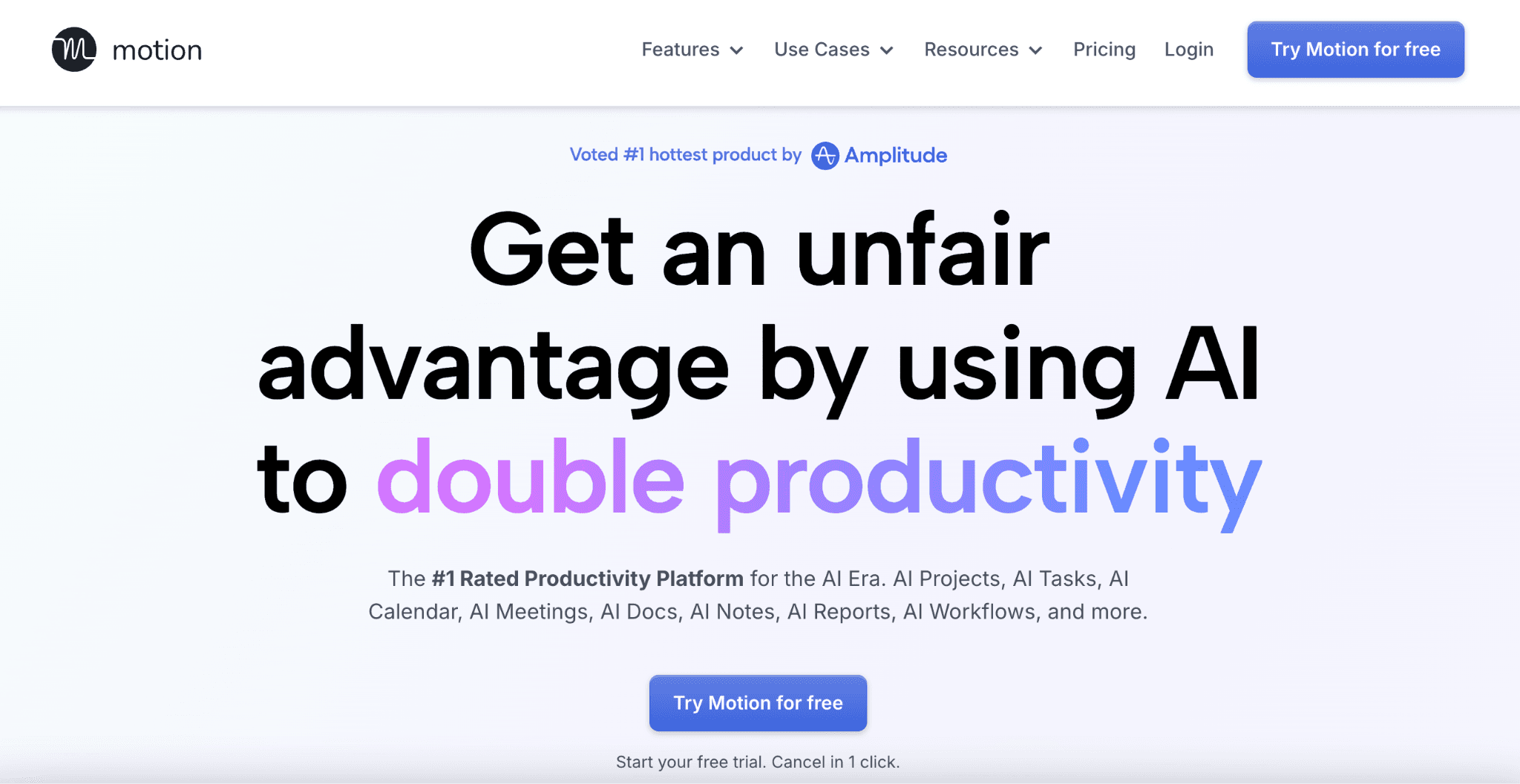
Instead of managing a long to-do list manually, Motion finds available time on your calendar and schedules tasks based on deadlines, priorities, and availability.
Key Features
AI calendar scheduling that automatically plans your workday.
Task prioritization based on deadlines and importance.
Automatic rescheduling whenever meetings or priorities change.
Project planning with timelines and workload management.
Team scheduling for collaborative planning.
Best for
Professionals, founders, freelancers, and teams managing busy calendars and multiple deadlines.
Pricing
Motion offers a 7-day free trial. Paid plans start at $19/month (billed annually), with Team and Business plans available for larger organizations.
7. Superhuman
Email remains one of the biggest productivity drains for professionals. Superhuman focuses on helping you process your inbox faster without sacrificing quality or missing important conversations.

With AI-powered writing, keyboard shortcuts, smart reminders, and intelligent inbox management, it helps users spend significantly less time inside email every day.
Key Features
AI email drafting that helps write replies in seconds.
Inbox organization with smart categorization and prioritization.
Follow-up reminders so important conversations don't get forgotten.
Fast keyboard shortcuts designed for high-speed email workflows.
Calendar integration for scheduling meetings directly from your inbox.
Best for
Professionals who spend several hours each day managing email.
Pricing
No free plan. Starter starts at $30/month, with Business and Enterprise plans available for teams.
8. Fireflies.ai
Meetings often generate valuable information, but that information quickly disappears unless someone takes detailed notes. Fireflies.ai handles that automatically, allowing you to stay engaged in conversations instead of worrying about documentation.
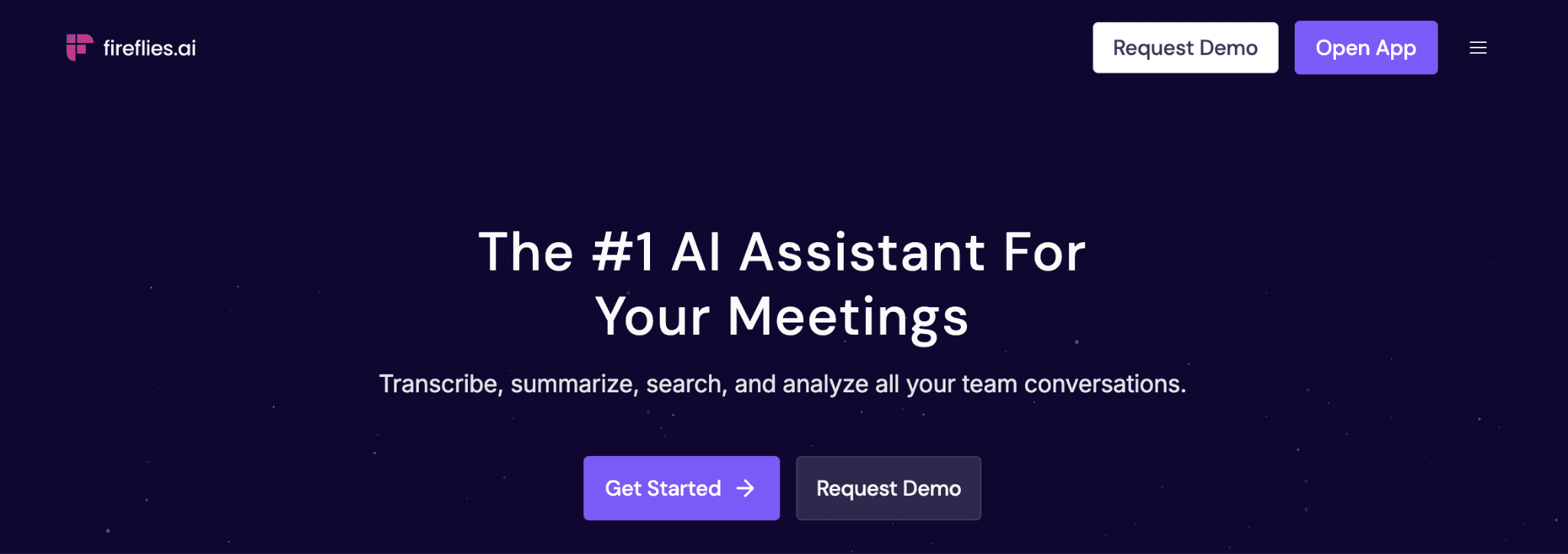
It records meetings, creates searchable transcripts, highlights action items, and generates summaries that can easily be shared with your team.
Another advantage is how easy it is to revisit previous meetings. Instead of asking teammates where a decision was made, you can search transcripts, jump to the exact moment a topic was discussed, and send summaries directly to tools like HubSpot, Salesforce, Notion, or Slack.
It turns every meeting into a searchable knowledge base instead of another forgotten recording.
Key Features
Automatic meeting transcription across major meeting platforms.
AI-generated summaries with decisions and action items.
Searchable meeting history using keywords.
CRM integrations with tools like HubSpot and Salesforce.
Collaboration features for sharing notes and comments.
Best for
Sales teams, customer success, recruiters, consultants, and professionals who attend frequent meetings.
Pricing
Free plan available with limited transcription credits and AI summaries. Pro starts at $10 per user/month, followed by Business and Enterprise plans for larger teams.
9. Granola
Granola takes a quieter approach to AI meeting notes. Instead of trying to replace your workflow, it works alongside your own notes and fills in everything you missed during the conversation.
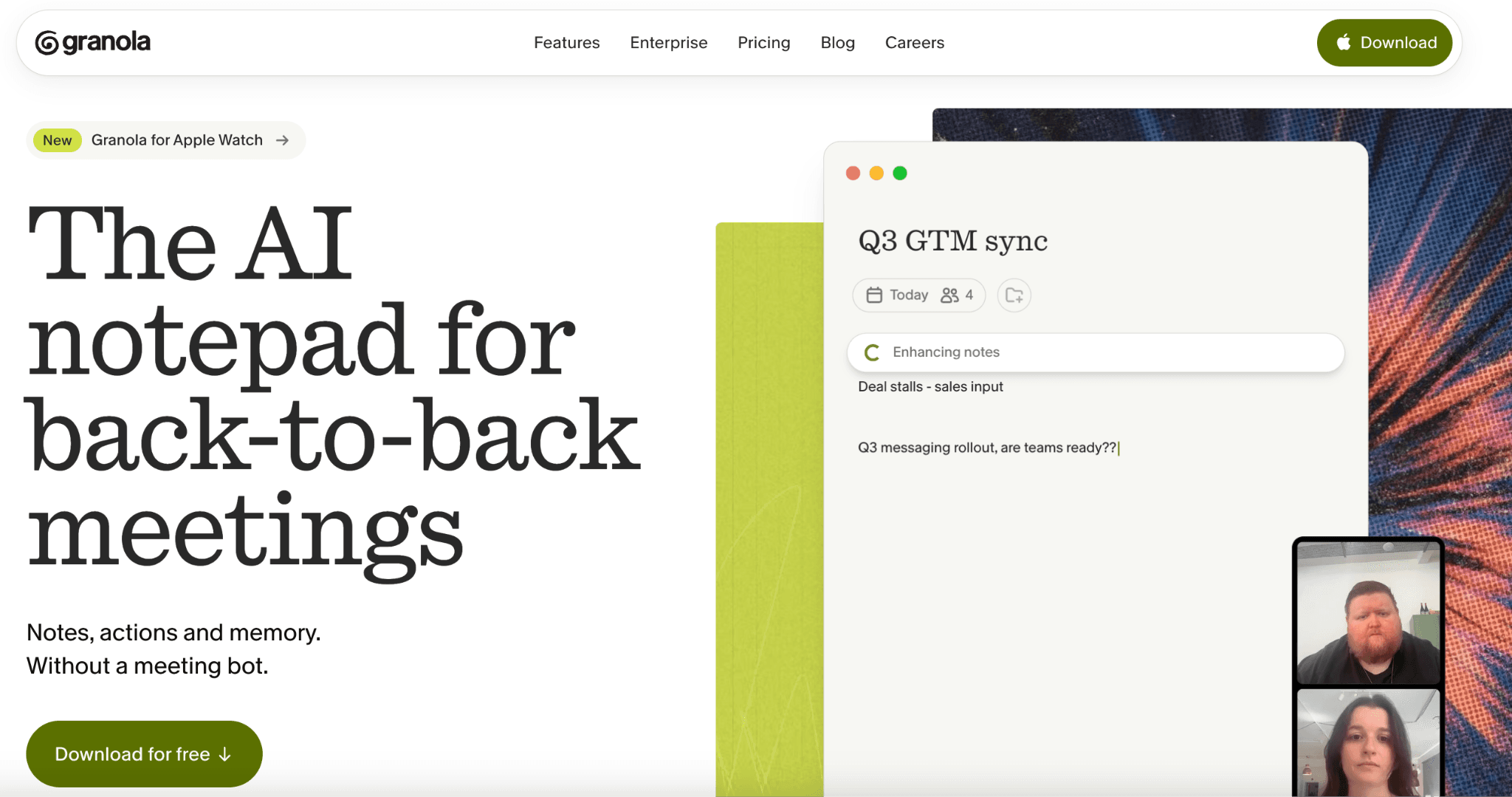
It quietly enriches those notes with context, making it feel more like an intelligent notebook than another meeting bot. The result is clean, organized meeting summaries that are easy to search later without changing how you normally work.
Key Features
Automatic AI meeting notes generated alongside your own notes.
Meeting summaries with key decisions and follow-up items.
Search across previous meetings to quickly find discussions.
Organized meeting history for future reference.
Simple, distraction-free interface designed for professionals.
Best for
Managers, founders, consultants, recruiters, and knowledge workers attending multiple meetings every week.
Pricing
Free plan available. Business starts at $15/user/month (billed annually), with higher-tier plans for larger teams.
10. Cursor
Cursor has become one of the most popular AI-powered code editors because it understands your entire project, not just the file you're editing. It helps developers write code faster, debug issues, explain unfamiliar code, and automate repetitive programming tasks.
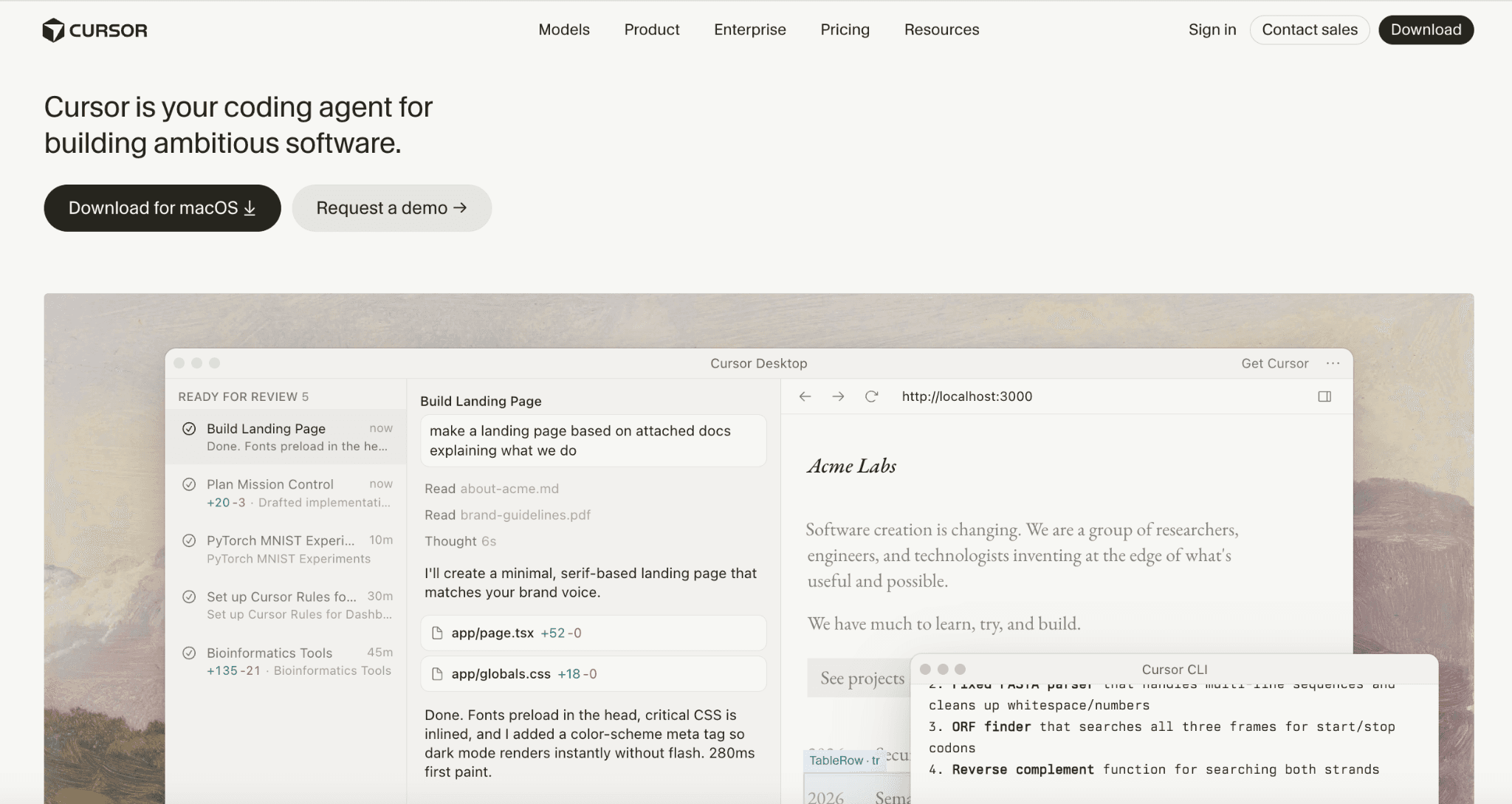
Whether you're building a new application or maintaining an existing one, Cursor reduces context switching and helps you stay focused on solving problems.
One reason many developers prefer Cursor is its understanding of your entire codebase. Instead of generating suggestions in isolation, it can reason across multiple files, making debugging, refactoring, and navigating large projects much faster.
Key Features
AI-assisted coding across your entire project.
Natural language editing for making code changes using prompts.
Debugging assistance with explanations and suggested fixes.
Codebase search that understands project context.
Support for multiple AI models depending on your workflow.
Best for
Software developers, engineers, technical founders, and students learning to code.
Pricing
Cursor offers a free Hobby plan with limited AI usage. Cursor Pro starts at $20/month, while Pro+, Ultra, Team, and Enterprise plans are available for heavier users and organizations.
11. Wispr Flow
Many people think faster than they type. Wispr Flow lets you speak naturally while it converts your voice into polished text across emails, documents, chat applications, and note-taking tools.
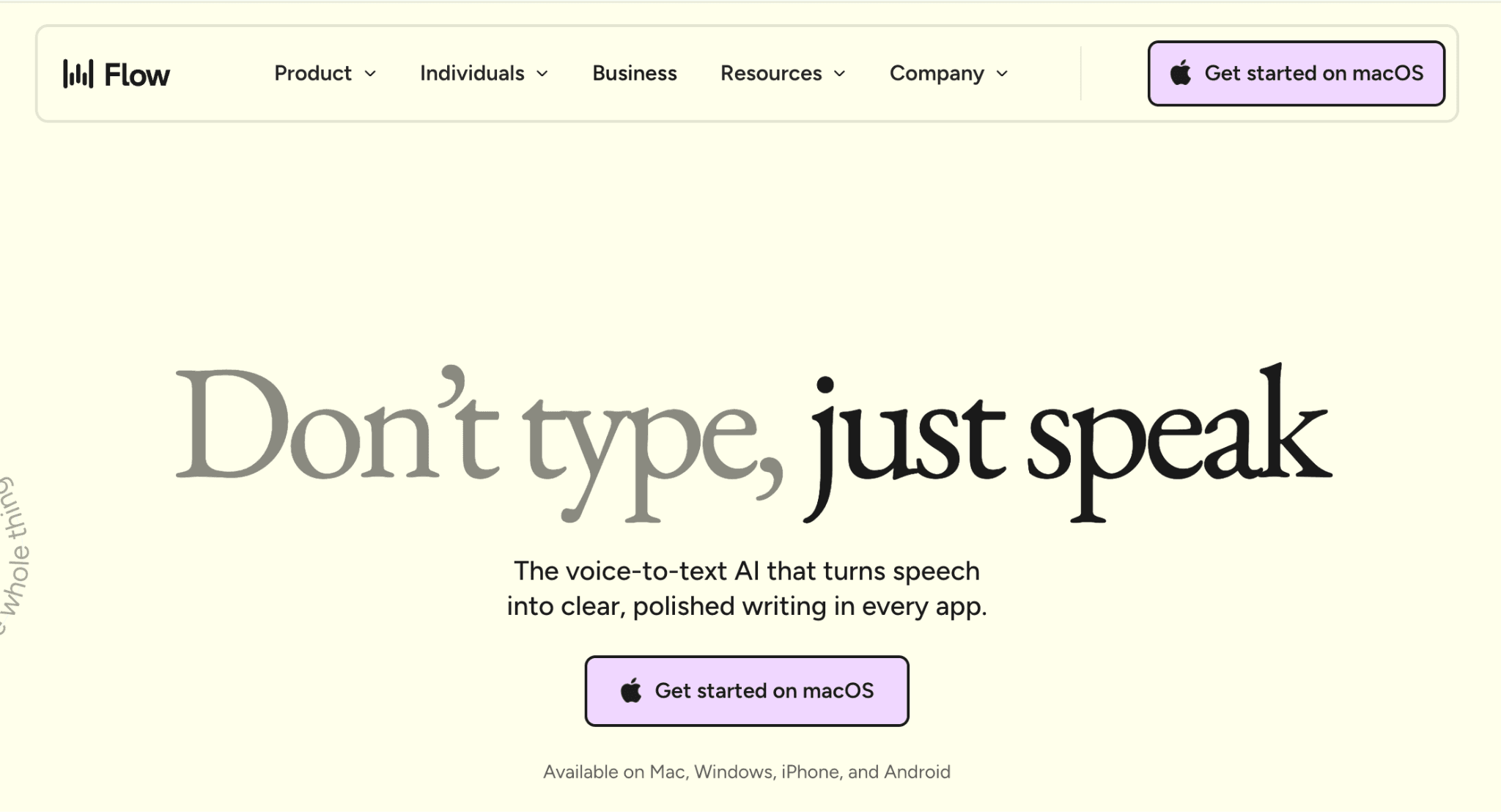
For professionals who spend hours writing every day, replacing typing with voice can dramatically reduce the time needed to complete everyday work.
Key Features
Real-time voice dictation and natural punctuation without manually speaking every symbol.
Context-aware formatting for emails, documents, and messages.
Support for multiple languages with high transcription accuracy.
Works across existing applications without changing your workflow.
Best for
Writers, founders, consultants, executives, and anyone who spends most of their day typing.
Pricing
Free plan available. Flow Pro starts at $15/month (or $12/month billed annually).
12. Descript
Editing videos and podcasts traditionally requires multiple tools. Descript combines transcription, editing, subtitles, screen recording, and AI-powered audio enhancement into a single workspace.
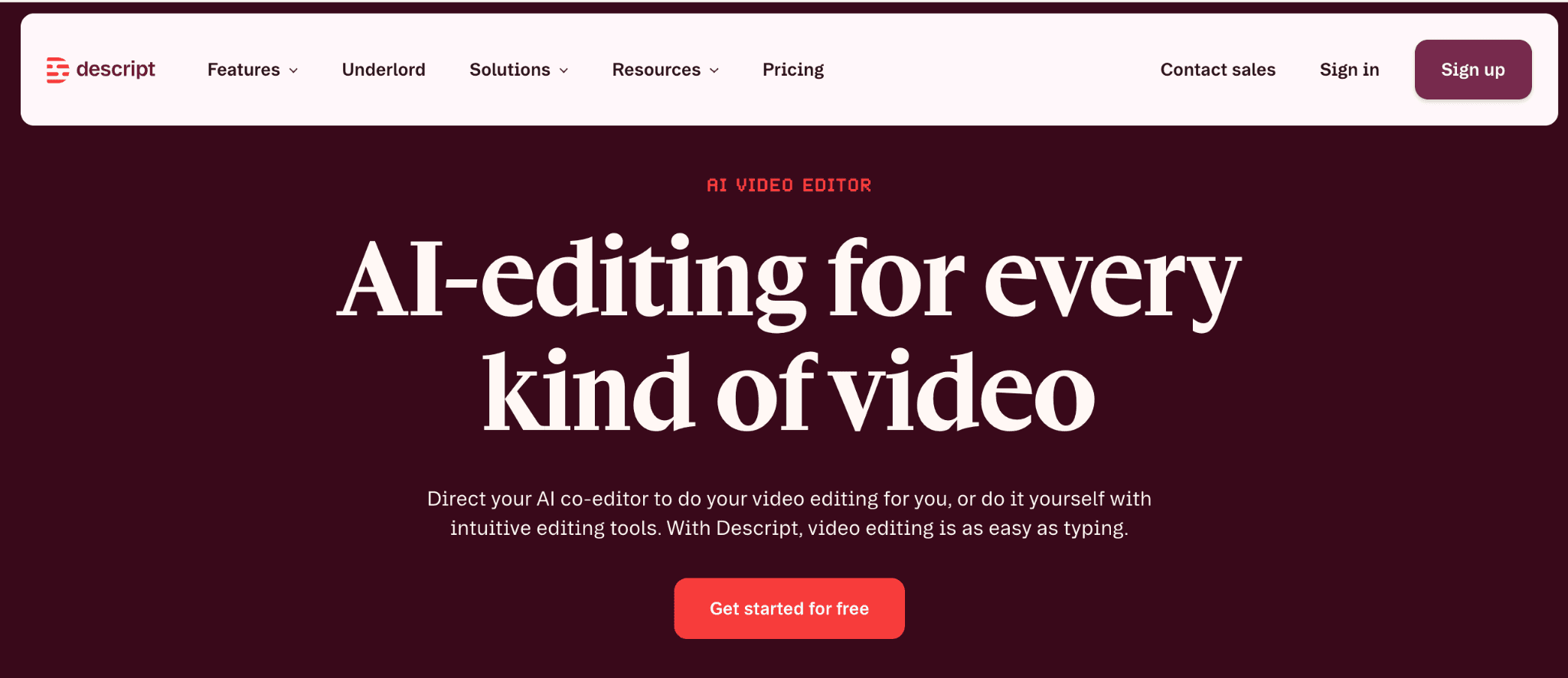
One of its standout features is text-based editing. Instead of trimming clips manually on a timeline, you simply edit the transcript, and Descript updates the media automatically.
Descript also includes Overdub, an AI voice editing feature that lets you fix small mistakes without recording an entire section again. If you regularly create tutorials, podcasts, product demos, or training videos, it can save a surprising amount of editing time.
Key Features
Text-based video and audio editing using transcripts.
Automatic transcription with speaker recognition.
AI voice enhancement and filler-word removal.
Screen recording for tutorials and product demos.
Subtitle generation for social media and online videos.
Best for
Content creators, marketers, educators, podcasters, and video teams.
Pricing
Free plan available. Creator starts at $15/month, with Pro and Business plans available for creators and teams that need higher transcription limits and advanced AI editing.
Which AI Productivity Tool Should You Start With?
You don't need to install every AI tool on this list. Start with the one that solves the biggest bottleneck in your day, then build your workflow over time.
➡️ Spend most of your day on WhatsApp? Start with Perisclaw. It helps you find information instantly, manage follow-ups, remember important details, and connect WhatsApp with AI assistants like ChatGPT and Claude.
➡️ Need an everyday AI assistant? ChatGPT and Claude are excellent for writing, brainstorming, planning, coding, and solving everyday work problems.
➡️ Work with lots of documents or research? NotebookLM and Perplexity can dramatically reduce the time you spend reading, searching, and organizing information.
➡️ Trying to improve a specific workflow? Motion helps with scheduling, Superhuman speeds up email, Fireflies.ai and Granola improve meetings, Cursor helps developers write code faster, Wispr Flow turns speech into text, and Descript simplifies video and podcast editing.
Frequently Asked Questions
1. What is the best AI productivity tool in 2026?
There isn't a single best AI productivity tool because everyone works differently. If most of your work happens on WhatsApp, Perisclaw can save hours every week through AI-powered search, reminders, follow-ups, and personal memory.
For everyday writing and brainstorming, ChatGPT and Claude are excellent choices. If research is your biggest bottleneck, NotebookLM and Perplexity are among the best options available.
2. Are AI productivity tools worth paying for?
In many cases, yes. If a tool saves even 30 to 60 minutes every day, it can easily justify its subscription cost. The key is choosing one that solves a real problem in your workflow instead of paying for multiple AI tools that overlap.
3. Which AI productivity tools have free plans?
Many of the tools in this guide let you get started for free. ChatGPT, Claude, Perplexity, NotebookLM, Fireflies.ai, Cursor, and Descript all offer free plans with certain usage limits.
Perisclaw offers a 7-day free trial, allowing you to try features like WhatsApp search, AI follow-ups, reminders, personal memory, calendar integration, and MCP connectivity before choosing a paid plan.
Testing a free plan or trial is usually the easiest way to find out whether a tool improves your productivity.
4. Which AI productivity tool is best for WhatsApp?
Perisclaw is built specifically as a WhatsApp AI executive assistant. It helps you search conversations, remember information across chats, manage follow-ups, create reminders, connect your calendar, and even expose WhatsApp as an MCP server for ChatGPT, Claude, and other compatible AI assistants.
5. Which AI tool is best for meeting notes?
Fireflies.ai and Granola are two of the strongest choices. Fireflies.ai automatically records, transcribes, and summarizes meetings, while Granola quietly captures meeting context and turns it into clean, well-structured notes without interrupting your workflow.
6. Which AI productivity tool is best for students?
NotebookLM is one of the best AI productivity tools for students because it can explain lecture notes, textbooks, PDFs, and research papers in a conversational way.
ChatGPT and Claude are also excellent for brainstorming, summarizing, and improving essays, while Perplexity is useful for finding cited sources during research.
7. How do I choose the right AI productivity tool?
Start by identifying the task that consumes the most time in your day. If it's messaging, choose a WhatsApp assistant like Perisclaw.
If it's meetings, start with Fireflies.ai or Granola. If it's writing or research, ChatGPT, Claude, NotebookLM, or Perplexity are great starting points. Solving one major productivity bottleneck will usually have a much bigger impact than installing multiple AI tools at once.
8. Which AI productivity tool saves the most time?
It depends on where you spend the most time. If most of your work happens on WhatsApp, Perisclaw will likely have the biggest impact.
If meetings take up your day, Fireflies.ai or Granola can save hours every week. For writing and brainstorming, ChatGPT and Claude are excellent choices, while Cursor is one of the biggest time savers for developers.
Try Perisclaw free
Your personal AI assistant on WhatsApp. It reads the chats you allow and gets things done for you. 7-day free trial, no card needed.
Start for free


