
Top 7 AI Note-Taking Tools for 2026 (Meetings, Research & Everyday Notes)

Good notes don't just help you remember things. They help you make better decisions, follow through on ideas, and avoid asking the same questions twice.
The problem is that information rarely lives in one place anymore. A meeting summary might be sitting in Zoom, lecture notes in Notion, research in PDFs, voice notes on your phone, and quick ideas inside WhatsApp. Over time, finding information becomes harder than capturing it.
That's where AI note-taking tools help. Instead of acting as digital notebooks, they can automatically transcribe meetings, summarize conversations, organize research, connect related ideas, and even answer questions using everything you've saved.
In this guide, we've shortlisted the best AI note-taking tools across different use cases, including:
AI meeting note takers for meetings, interviews, and client calls
AI research and study tools for documents, lectures, and PDFs
AI note-taking assistants for capturing ideas, voice notes, and everyday knowledge
Whether you're a student, founder, consultant, researcher, or someone who simply wants to stop losing important information, you'll find a tool that fits the way you work.
Best AI Note-Taking Tools at a Glance (TL;DR)
Here's a quick summary before we dive into the detailed reviews.
Everyday notes and personal knowledge
AI meeting notes and transcription
Research and studying
|
How AI Note-Takers Work (and Which Type Do You Need?)
Traditional note-taking usually ends once you've written something down.
AI note-taking tools go a step further. Depending on the tool, they can store conversations, organize information, summarize documents, identify action items, and help you retrieve notes in seconds.
Most AI note takers work by combining three capabilities:
✅ Capture information
Meetings, voice notes, documents, PDFs, lectures, or typed notes.
✅ Organize automatically
Group related notes, add summaries, extract action items, and create searchable knowledge.
✅ Retrieve instantly
Instead of scrolling through folders, ask questions in natural language and find exactly what you need.
Today, most AI note-taking tools fall into three broad categories.
1. Everyday note-taking and personal knowledge
These tools are designed for capturing ideas as they happen throughout the day. Whether you're saving quick thoughts, voice notes, links, messages, or documents, they organize everything into a searchable knowledge base that becomes more useful over time.
They're ideal if your biggest challenge is remembering information across multiple conversations and apps.
2. AI meeting notes and transcription
If your calendar is filled with Zoom, Google Meet, or Microsoft Teams calls, this category will probably save you the most time.
These tools automatically record meetings, generate transcripts, summarize discussions, highlight action items, and make past conversations easy to search. Instead of worrying about taking notes during a meeting, you can stay focused on the conversation itself.
3. Research and study assistants
These tools are built for people who spend more time reading than talking.
They help you work with PDFs, books, lecture notes, reports, and research papers by generating summaries, answering questions based on your documents, and explaining complex topics in plain language.
They're particularly useful for students, researchers, and consultants.
Best AI Note-Taking Tools for Everyday Notes
If your notes aren't tied to meetings or lectures, you need a different kind of AI note taker.
These tools are designed to capture ideas throughout the day, organize them automatically, and make them easy to find later. Instead of creating another folder you'll never open again, they build a searchable knowledge base that becomes more useful over time.
Whether you're saving voice notes, planning projects, collecting research, or simply trying to remember where you saw something, these are the best AI note-taking tools for everyday use.
1. Perisclaw
Best AI note-taking tool for WhatsApp-first professionals
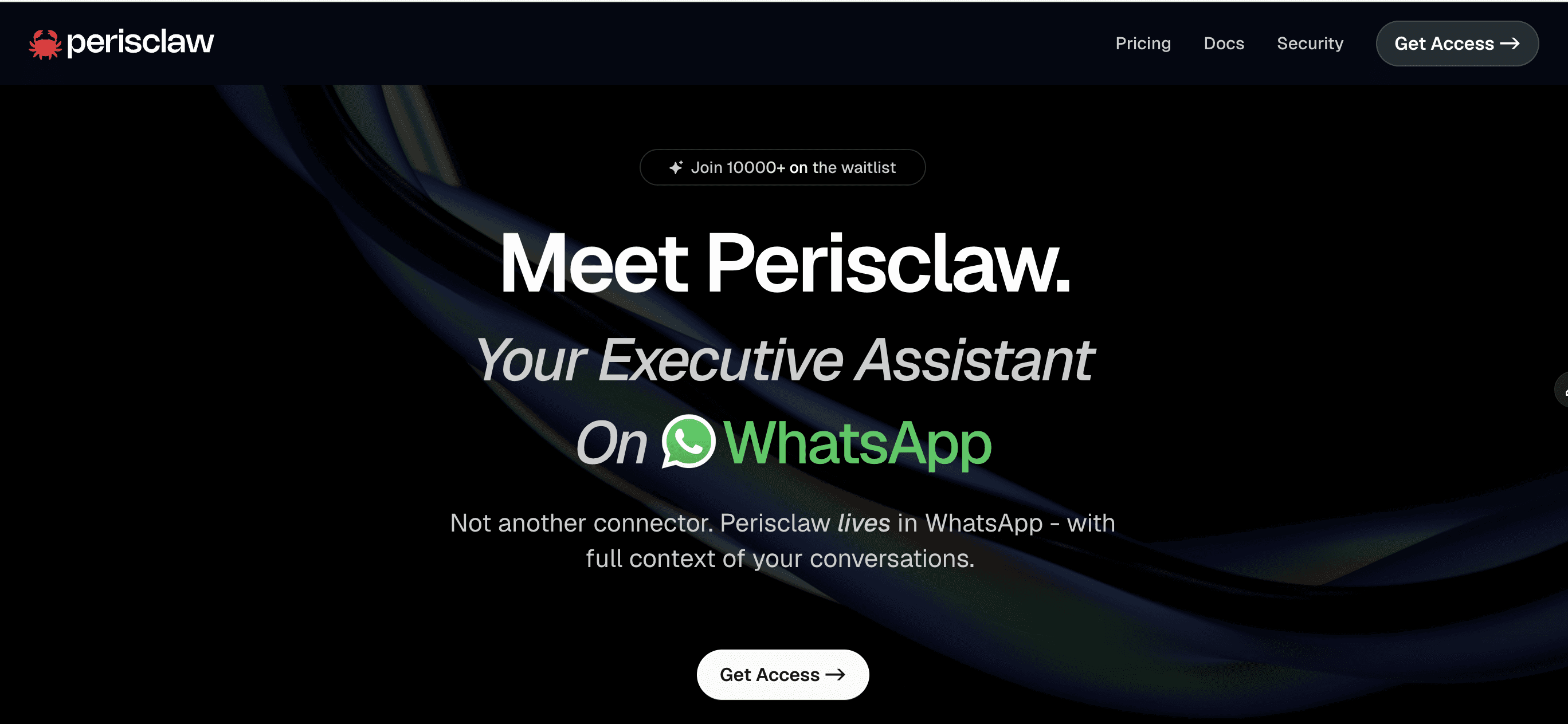
Most ideas don't arrive while you're sitting in a note-taking app.
They show up in WhatsApp conversations, voice notes, client discussions, team groups, or while you're walking between meetings. The problem isn't capturing those ideas. It's finding them again when you need them.
Perisclaw solves this by turning WhatsApp into your personal AI-powered knowledge base. Instead of asking you to move information into another note-taking app, it works where your conversations already happen.
As a WhatsApp AI executive assistant that lives inside your WhatsApp self-chat, Perisclaw helps you capture ideas, remember important context, retrieve information in seconds, and keep your notes connected to the rest of your workflow.
📌 Turn everyday conversations into searchable notes
Every important detail doesn't deserve its own document.
Sometimes it's a client sharing pricing in a group chat. Sometimes it's a voice note from your co-founder. Sometimes it's a link you promised yourself you'd revisit later.
Perisclaw can search all of it.
You can simply ask:
Find the pricing document Rahul shared last week.
What did we decide about the Singapore launch?
Show me the restaurant recommendation Sarah sent.
Instead of scrolling through months of chats, you get the answer along with the message it came from.
📌 Capture ideas with voice, not just text
With Perisclaw, you can drop a voice note while walking, driving, or between meetings. It can turn those voice messages into reminders, searchable knowledge, scheduled tasks, or follow-ups without requiring you to organize anything manually. It also reads voice notes other people send you, so you can ask for the gist of a long one or a word-for-word transcript. We cover that in how to summarize WhatsApp groups and voice notes with AI.
📌 Build a second brain that remembers for you
Unlike traditional note-taking tools, Perisclaw continuously builds context.
It remembers people, projects, commitments, preferences, and previous conversations across WhatsApp, helping you retrieve information naturally instead of relying on folders or tags.
If there's something you want to keep permanently, simply tell Perisclaw to save or remember it, or react to the message with a 📎 emoji to add it to your Personal Wiki. Saving photos, files or voice notes this way needs Google Drive connected.
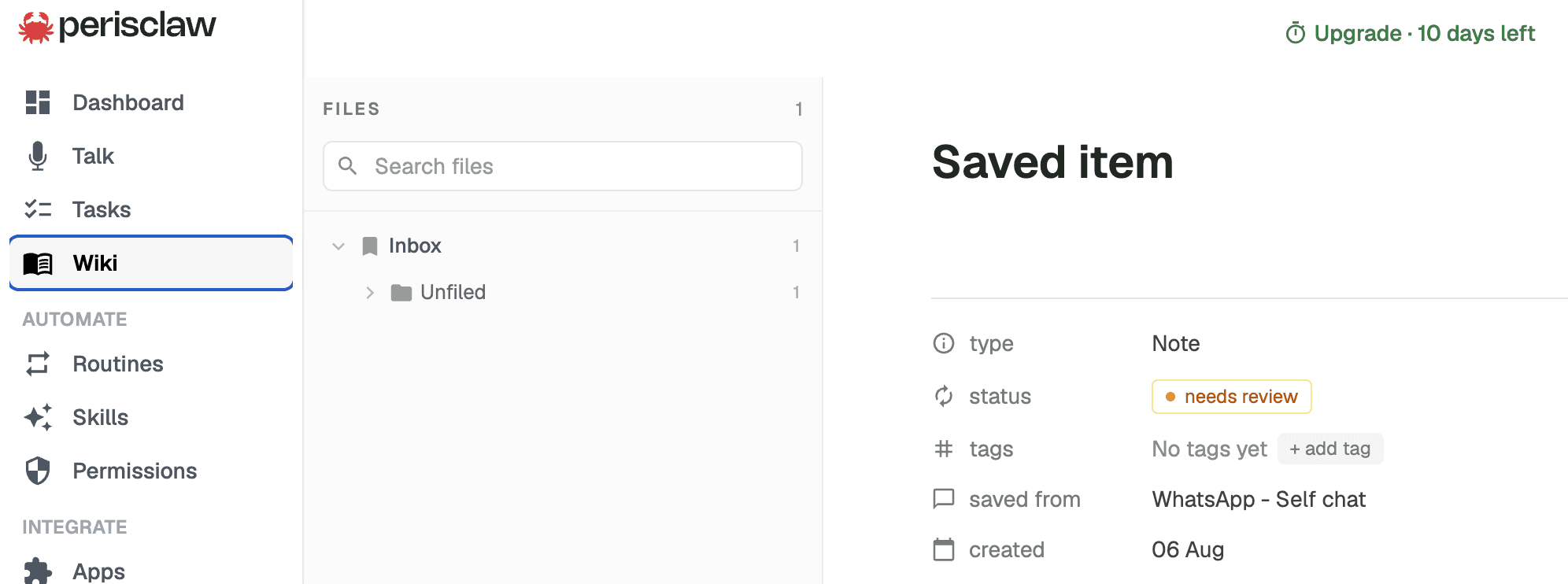
Whether it's a useful link, meeting decision, document, or idea, you can retrieve it later in natural language without remembering where you saved it.
📌 Connect your notes with the rest of your workflow
Notes become much more valuable when they don't stay isolated.
Perisclaw connects with Google Calendar, Gmail, Google Drive, Notion, Slack, and other tools, allowing information captured in WhatsApp to become part of your broader workflow. It doesn't join or record meetings itself, but if you already use Granola or Fireflies, you can connect them from the Apps page and ask about your meeting notes from WhatsApp.
It also supports WhatsApp MCP, so you can use ChatGPT and Claude with your WhatsApp. See our guides to connecting WhatsApp to ChatGPT and connecting WhatsApp to Claude.
Best for
Founders, consultants, executives, freelancers, creators, and anyone whose work naturally happens inside WhatsApp.
Pricing
7-day free trial, no card needed, then a flat monthly price.
2. Notion AI
Best AI note-taking tool for structured workspaces
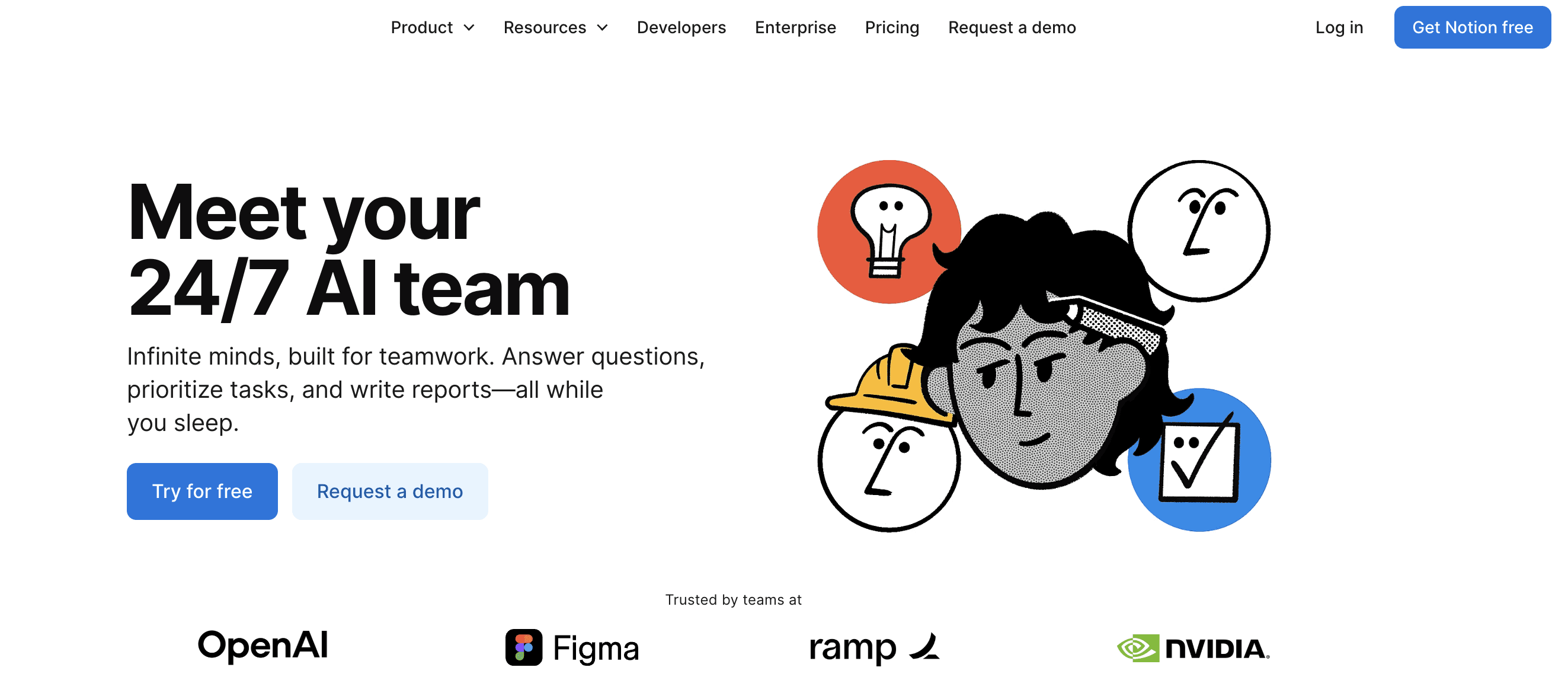
If your notes are already organized inside Notion, adding AI feels like a natural extension rather than adopting another tool.
Instead of creating a separate knowledge base, Notion AI works directly inside your pages, documents, databases, and tasks.
That means your notes, project plans, meeting docs, and company knowledge all stay in one place while AI helps you summarize, write, organize, and search across them.
One of its biggest strengths is that it combines note-taking with project management. You can brainstorm ideas, turn them into action items, update databases, and even automate repetitive documentation without leaving your workspace. Recent updates also include AI Meeting Notes, enterprise search, and AI agents for larger teams.
Key Features
AI-powered workspace search
Search across pages, databases, wikis, and company knowledge using natural language instead of browsing manually.AI Meeting Notes
Automatically captures discussions, generates structured meeting notes, and links action items directly to your existing workspace.Built-in writing assistant
Rewrite content, translate text, change tone, generate first drafts, and improve documents without leaving Notion.AI Agents
Automate recurring workflows like updating documentation, creating project briefs, maintaining knowledge bases, and supporting team processes.
Best for
Teams, startups, product managers, knowledge workers, and anyone already using Notion as their primary workspace.
Pricing
Free plan available, but Free and Plus only get a limited Notion AI trial. Full Notion AI, including AI Meeting Notes and Agents, comes with the Business plan at $20 per member per month billed yearly ($24 monthly), as of November 2026.
3. Mem
Best AI note-taking tool for building a personal knowledge base
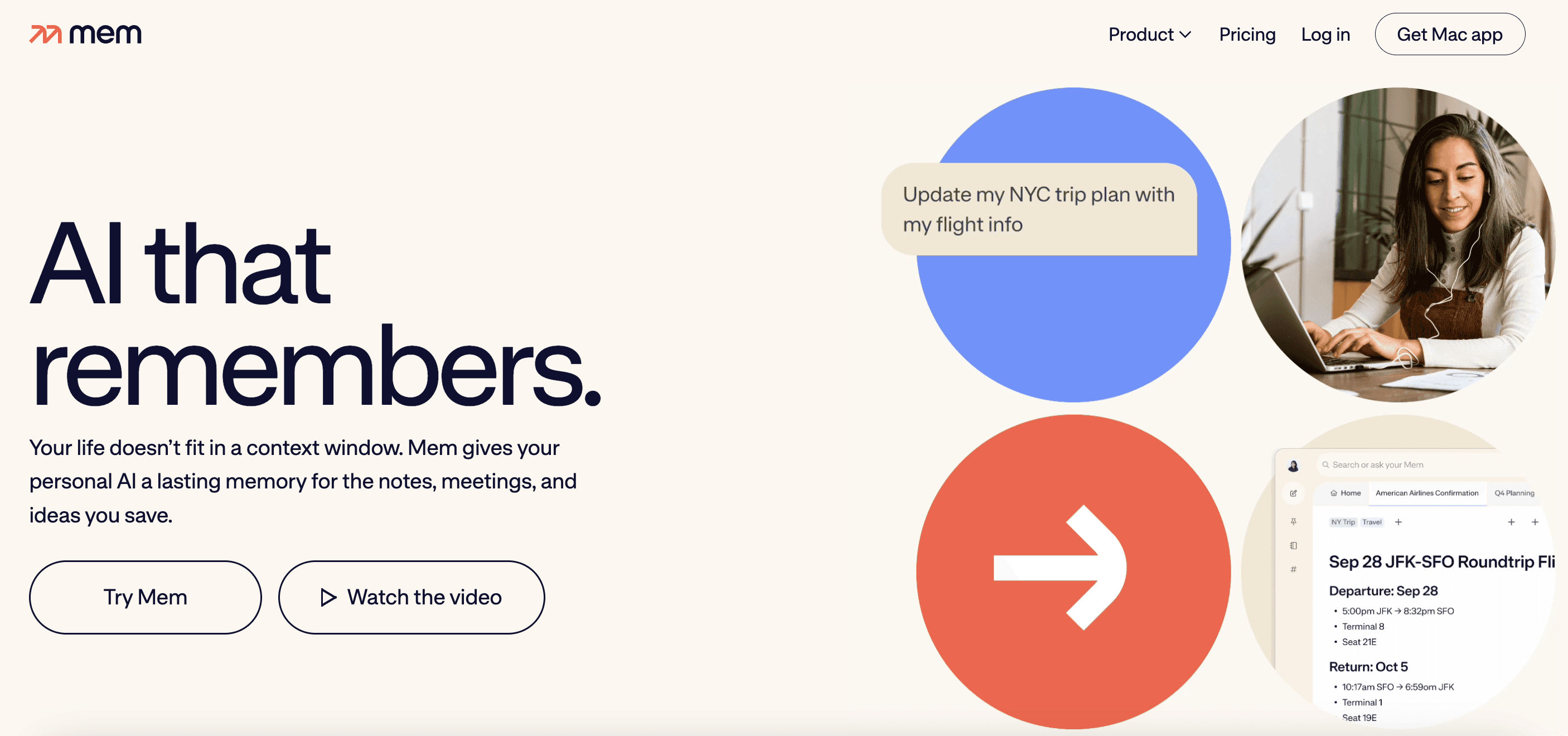
Most note-taking apps expect you to organize everything yourself.
Mem takes the opposite approach. You simply capture notes, ideas, meetings, research, or voice input, and the AI automatically connects related information behind the scenes. Instead of worrying about folders or tags, you focus on capturing information while Mem handles organization.
Its AI agent also helps surface information proactively, reminding you about related notes and important context when it becomes relevant. This makes Mem feel less like a traditional notebook and more like a continuously evolving personal knowledge system.
Key Features
Self-organizing notes
Automatically connects related notes, people, meetings, and ideas, eliminating the need for folders or manual tagging.Mem Chat
Chat with your entire knowledge base to recall information, summarize notes, and connect ideas across different conversations and documents.Capture from multiple sources
Save information through text, voice, meetings, and the web clipper, allowing ideas to flow into Mem without interrupting your workflow.
Best for
Researchers, writers, founders, consultants, and professionals who collect ideas from multiple sources every day.
Pricing
Free plan available, with monthly limits. As of November 2026, Mem Plus is $9/month and Mem Pro is $29/month, each with caps on messages and new notes.
Best AI Note-Taking Tools for Meetings
4. Fireflies.ai
Meetings often contain important decisions, action items, and customer insights, but manually taking notes usually means missing parts of the conversation.
Fireflies.ai solves this by automatically joining your meetings, recording them, generating transcripts, and producing AI-powered summaries that are ready to share.
What makes Fireflies.ai stand out is how well it fits into existing business workflows. Beyond transcription, it lets you search past conversations, track specific topics across meetings, and sync notes with CRMs and collaboration platforms.
If your team spends hours every week in customer calls, interviews, or internal meetings, it quickly becomes a searchable meeting archive instead of just another recording tool.
Key Features
Automatic meeting recording and transcription
Automatically records meetings across Zoom, Google Meet, Microsoft Teams, Webex, and other supported platforms while generating highly searchable transcripts.AI meeting summaries and action items
Creates concise summaries with key discussion points, decisions, follow-up tasks, and speaker highlights, saving time after every meeting.Conversation intelligence and integrations
Search previous meetings using keywords, track topics across conversations, and send notes directly to platforms like HubSpot, Salesforce, Notion, Slack, Asana, and more.
Best for
Sales teams, customer success teams, recruiters, consultants, managers, and anyone attending multiple meetings every week.
Pricing
Free plan available. As of November 2026, Pro is $10 per seat per month billed yearly ($18 monthly), followed by Business and Enterprise plans with additional AI credits, analytics, and admin controls.
5. Granola
Granola takes a very different approach to AI meeting notes. Instead of recording an entire meeting and expecting you to rely only on AI, it works alongside the notes you naturally write yourself.
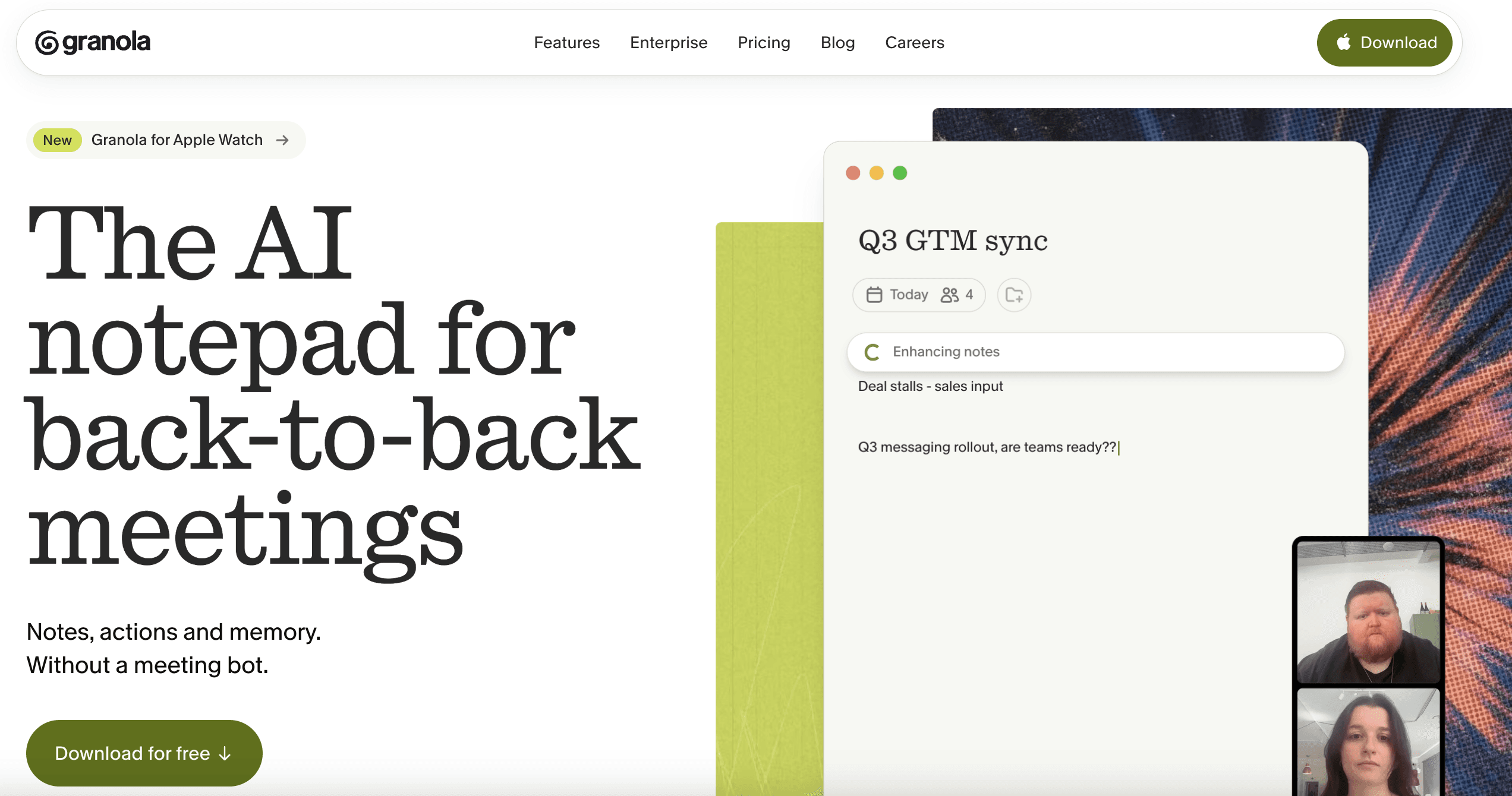
During the meeting, you continue taking quick notes as usual, while Granola captures the conversation from your device's audio, without a bot joining the call, and expands your notes into a clean, structured summary afterward.
That makes it feel much less intrusive than traditional meeting recorders. It suits founders, managers, investors, and consultants who prefer staying engaged in conversations instead of constantly worrying about documenting every detail.
Key Features
AI-assisted meeting notes
Combines your own notes with the meeting transcript to generate polished summaries instead of replacing your workflow.Structured summaries and follow-ups
Automatically organizes discussions into decisions, action items, next steps, and key takeaways that are easy to revisit later.Simple and distraction-free experience
Designed to stay in the background during meetings, allowing you to focus on the conversation instead of managing another recording tool.
Best for
Founders, executives, consultants, investors, managers, and professionals who already like taking notes but want AI to organize them afterward.
Pricing
Free Basic plan available, with 30 days of meeting history. As of November 2026, Business is $14 per user per month, and Enterprise is $35 per user per month.
6. Fathom
Fathom is designed for one goal: helping you leave every meeting with the follow-up work already done.
Once connected to Zoom, Google Meet, or Microsoft Teams, it automatically records conversations, generates AI summaries, identifies action items, and even helps draft follow-up emails.
Fathom's focus is speed. Summaries are available almost immediately after the meeting ends, making it especially popular with sales, customer success, and client-facing teams that need to move quickly from conversations to execution.
Key Features
Instant AI meeting summaries
Generates concise summaries, action items, and key decisions within minutes of the meeting ending, so you can move straight to the next task.Follow-up emails and shareable highlights
Creates AI-generated follow-up emails and lets you share short video clips from important moments instead of sending full recordings.CRM and productivity integrations
Syncs meeting notes with HubSpot, Salesforce, Slack, Asana, and other workplace tools to keep customer conversations and internal discussions organized.
Best for
Sales professionals, customer success teams, account managers, founders, and anyone who wants to spend less time documenting meetings and more time acting on them.
Pricing
Free plan available. As of November 2026, Premium is $16/month billed yearly ($20 monthly), and Team plans start at $15 per user per month billed yearly for two or more users. CRM field sync with HubSpot and Salesforce is on the Business plan.
Best AI Note-Taking Tool for Research and Studying
Meeting note takers are designed to capture conversations as they happen. Research tools solve a different problem: helping you understand, organize, and retrieve information from large collections of documents.
Whether you're reading research papers, textbooks, lecture slides, PDFs, reports, or company documentation, these tools help you spend less time searching for information and more time learning from it.
For this category, one tool stands out.
7. Gemini Notebook (formerly NotebookLM)
Most note-taking apps help you store information. Gemini Notebook helps you understand it.
Built by Google and renamed from NotebookLM to Gemini Notebook on July 16, 2026, it turns your own documents into an AI-powered knowledge base. Instead of manually searching through PDFs, lecture notes, reports, or presentations, you can ask questions in natural language and receive answers grounded only in the sources you've uploaded.
That makes it particularly valuable for students, researchers, consultants, and professionals working with large amounts of information.
One of Gemini Notebook's biggest strengths is that it doesn't rely on the open web for answers. Everything it generates comes from your uploaded material, reducing the chances of hallucinations and making it much easier to verify information through source citations.
Key Features
Chat with your own documents
Upload PDFs, Google Docs, lecture notes, research papers, books, or presentations and ask questions just as you would with an AI assistant. Gemini Notebook answers using only your uploaded sources.AI summaries with source citations
Generate concise summaries, study guides, briefing documents, FAQs, and timelines while linking every answer back to the original document for easy verification.Audio Overviews for hands-free learning
Convert your research into podcast-style conversations that explain complex topics in plain language, making it easy to review material while commuting, exercising, or between meetings.
Best for
Students, researchers, consultants, analysts, legal professionals, and anyone who regularly works with large collections of documents.
Pricing
Free with a Google account as of November 2026. Higher usage limits and additional AI capabilities are available through Google AI Pro and Google AI Ultra.
Frequently Asked Questions
1. What is the best AI note-taking tool?
The best AI note-taking tool depends on how you work. Perisclaw is ideal for capturing everyday notes, voice messages, and personal knowledge (it doesn't record meetings itself), while Fireflies.ai, Granola, and Fathom are better for meeting notes. If you mainly work with PDFs, research papers, or lecture notes, Gemini Notebook (formerly NotebookLM) is one of the strongest options.
2. Which AI note-taking tool is best for meetings?
If you need automatic meeting notes, Fireflies.ai, Granola, and Fathom are among the best options. Fireflies.ai focuses on searchable meeting intelligence, Granola enhances your own notes with AI, and Fathom is designed for fast summaries and follow-ups after meetings.
3. Which AI note-taking tool is best for students?
For students, Gemini Notebook (formerly NotebookLM) is one of the best AI note-taking tools because it helps summarize lecture notes, research papers, textbooks, and PDFs while answering questions based on your own documents. Notion AI is also a good choice for organizing class notes and assignments.
4. Are AI note-taking tools safe to use?
Most leading AI note-taking tools use encryption and enterprise-grade security, but privacy policies vary between providers. If you're handling confidential information, review how your data is stored, processed, and retained before using any AI note taker.
5. Can an AI note taker replace manual note-taking?
Not completely. An AI note taker can capture conversations, generate summaries, and organize information automatically, but adding your own context and observations still makes notes more useful, especially for learning and long-term reference.
6. Which AI note-taking tools have free plans?
Several tools in this guide offer free plans or free trials, including Gemini Notebook, Fireflies.ai, Granola, Fathom, Notion AI, and Mem. Trying the free version is the easiest way to find the AI note-taking tool that fits your workflow.
7. How do I choose the right AI note taker?
Start by identifying what you need to capture most often. Choose Perisclaw, Notion AI, or Mem for everyday notes, Fireflies.ai, Granola, or Fathom for meetings, and Gemini Notebook for research and studying. Matching the tool to your workflow will deliver far more value than simply choosing the most popular option.
Try Perisclaw free
Your personal AI assistant on WhatsApp. It reads the chats you allow and gets things done for you. 7-day free trial, no card needed.
Start for free


