
Top 5 AI Executive Assistants in 2026 (Tested)

Managing work today rarely happens in one place. Decisions happen in WhatsApp, meetings fill your calendar, important updates sit in email and follow-ups disappear across tools.
An AI executive assistant helps manage that layer automatically. Instead of creating another dashboard to check, it tracks conversations, surfaces action items and keeps work moving in the background.
We looked at five of the best AI executive assistants in 2026 across real daily use. Here is what each one does, where it earns its place and which one fits how you actually work.
Quick Picks
✅ Best overall: Perisclaw is the only WhatsApp AI executive assistant that tracks commitments from your actual conversations, connects to Google Workspace and integrates with Claude and ChatGPT via MCP.
✅ Best for multi-tool automation: Lindy connects to 1500+ tools and lets you build custom AI agents for any workflow. Powerful once configured.
✅ Best for email: Superhuman processes your inbox at 3x speed with AI drafting and a daily morning brief. Built for people drowning in email.
TL;DR
Tool | What it handles | Best for | Pricing |
Perisclaw | WhatsApp, Calendar, Gmail, Drive, MCP | Founders and operators on WhatsApp | Free (in alpha) |
Lindy | Email, calendar, CRM, 1500+ apps | Multi-tool workflow automation | From $19.99/month |
Superhuman | Email only | High-volume email professionals | $30/month |
Reclaim AI | Calendar only | Calendar and focus time protection | Free / $22/month |
Fireflies.ai | Meetings only | Meeting-heavy roles | Free / $16.99/month |
What is an AI executive assistant and what makes it different?
An AI executive assistant helps manage communication, follow-ups, scheduling, and routine work automatically. Instead of relying on manual updates, it tracks information across the tools you already use and highlights what needs attention.
The main difference is how it works.
A productivity app helps you organize tasks you already know about. An AI executive assistant identifies and surfaces work before it gets missed.
For example:
A productivity app reminds you about tasks you create
An AI executive assistant identifies tasks from conversations and follow-ups automatically
That proactive layer is what makes an AI executive assistant different. Instead of adding another dashboard to manage, it reduces the small tasks that build up during the day.
The 5 Best AI Executive Assistants You Need to Know in 2026
1. Perisclaw - Best for WhatsApp-First Teams
Perisclaw is a WhatsApp AI executive assistant built for people whose work runs through WhatsApp. It runs on your WhatsApp number with full access to your real conversations, groups and DMs from day 1.
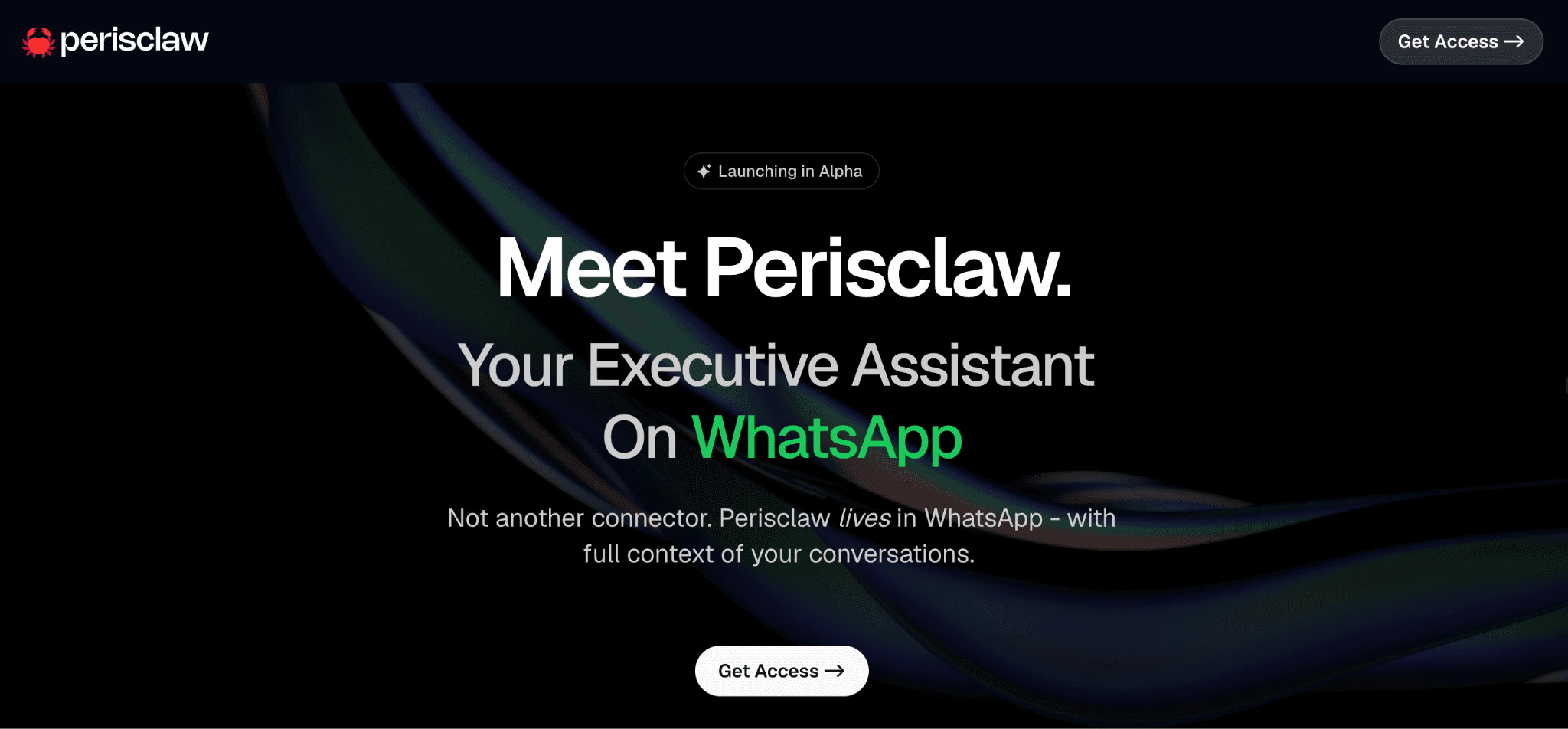
It also extends well beyond WhatsApp. Connect it to Google Workspace and it has full context across your calendar, email and files. Enable the MCP server and you can search your WhatsApp data directly from Claude or ChatGPT.
➤ How it works
You connect Perisclaw to your WhatsApp number via QR code (take a minute or two). From that moment, it reads every conversation.
It also connects to your Google Account (Calendar, Gmail, Drive) with one click. If you use Claude or ChatGPT, you can enable the Perisclaw MCP server and search/act on your chats directly from those tools.
➤ Key features
Tracks commitments from your actual conversations automatically
Sends reminders before follow-ups slip
Labels, archives, and organizes chats by plain language instructions
Summarizes group chats without you reading everything
Connects to Google Calendar, Gmail, and Google Drive (multiple accounts supported)
MCP server integration — access WhatsApp data directly from Claude or ChatGPT
Drafts replies in your tone for review
Searches across all messages, emails, and files with natural language
Auto-files documents into Google Drive
Works across all your group chats without needing to be added
Encrypted, isolated infrastructure — your data never trains any model
App framework open for Slack, Notion, and custom integrations
➤ Integrations: Google Calendar, Gmail, Google Drive (multiple accounts). App framework supports Slack, Notion, and custom apps with more connectors rolling out weekly. Microsoft 365 (Outlook, Teams, OneDrive), custom skills, personal wiki.
➤ How to get started
Sign up at perisclaw.com
Connect your WhatsApp number via QR code
Link your Google account
Open your self chat on WhatsApp and start using it
Enable MCP if you work in Claude or ChatGPT
For a full walkthrough, setting up a WhatsApp AI executive assistant step by step covers everything in detail.
➤ Pros
✅ Runs on your actual WhatsApp number with full conversation context
✅ MCP integration with Claude and ChatGPT removes context switching
✅ Proactive by default, no configuration needed before seeing value
✅ Setup under five minutes
✅ Isolated encrypted container, nothing used for training
➤ Cons
❌ Most valuable when WhatsApp is central to how you work
❌ In alpha, features still rolling out
➤ Pricing: Free during alpha
➤ Best for: Founders, operators, executives and anyone whose actual decisions happen in WhatsApp but who also uses Google Workspace or Claude/ChatGPT for their work.
2. Lindy - Best for Multi-Tool Automation
Lindy is the most flexible AI executive assistant. It connects to 1,500+ tools and lets you build custom AI agents for specific workflows.
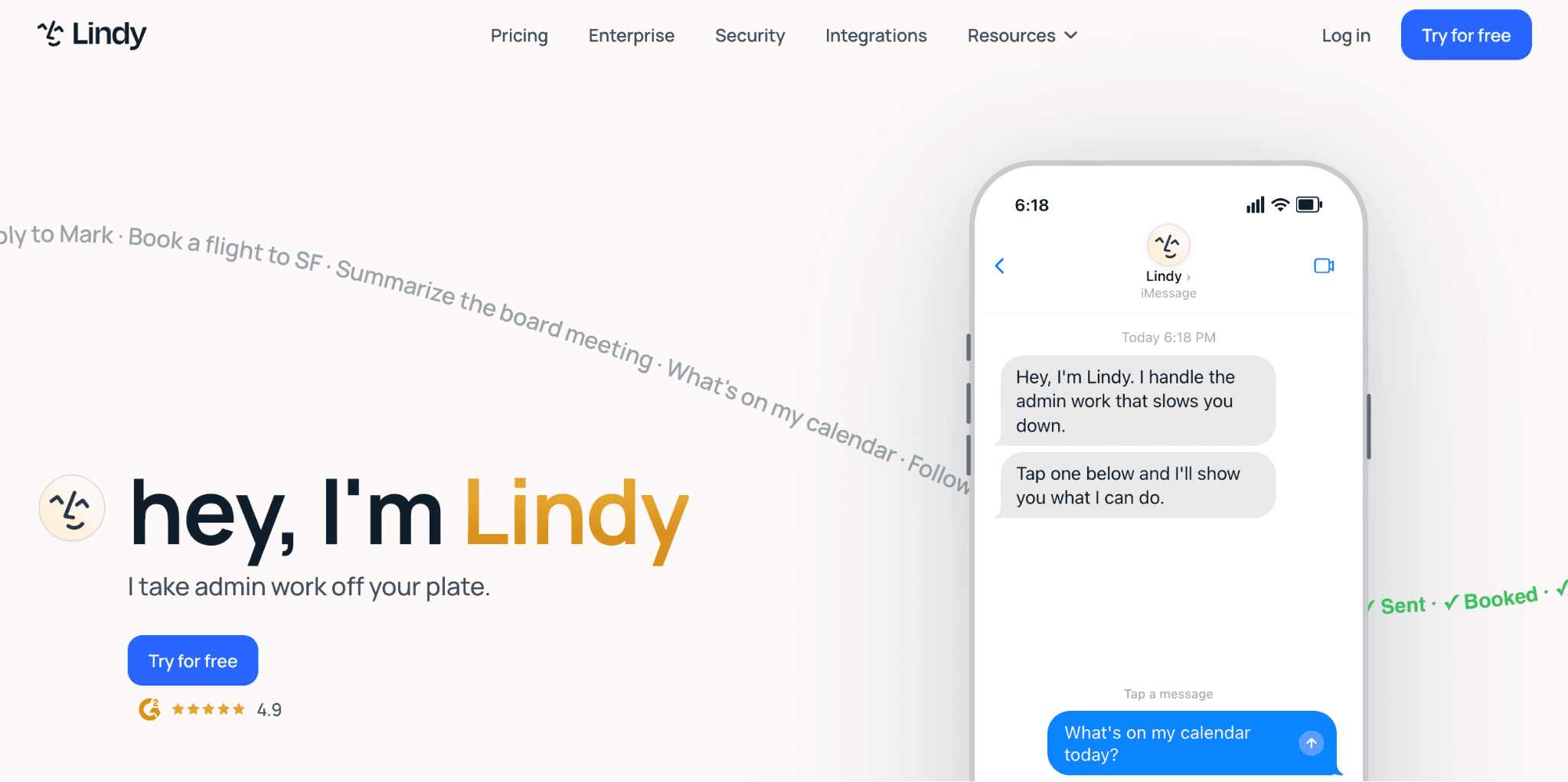
Instead of one tool doing everything, you get multiple specialized agents. One agent cleans your inbox. Another prepares you for meetings. A third follows up on stalled deals. Each runs on its own schedule, completely independent.
➤ How it works
You define an agent with specific triggers and instructions. "When I receive an email from a prospect who has not responded in five days, draft a follow-up."
Lindy builds that agent and runs it automatically. You connect your email, Slack, Notion, Salesforce, whatever you use, and tell Lindy what to do with the data flowing through those tools.
➤ Key features
Custom AI agent builder with visual interface or plain English instructions
Email sorting, filtering and automatic reply drafting
Meeting preparation pulling context from calendar, email and documents
Automation across 1500+ apps including Slack, Notion, HubSpot, Salesforce
Reachable via email, iMessage or web interface
Builds persistent memory of your preferences
Multi-step workflows across tools
Team collaboration, share agents with your team
➤ Integrations: Email (Gmail, Outlook), Calendar (Google, Outlook), CRM (Salesforce, Pipedrive, HubSpot), Communication (Slack, Teams, Discord), Docs (Notion, Google Docs), and 1,400+ others via Zapier.
➤ Pros
✅ Build exactly what you need with no restrictions on workflow logic
✅ Connects to more tools than any other AI executive assistant on this list
✅ Email automation is genuinely powerful once agents are configured
✅ Multi-step workflows handle complex sequences no other tool here can match
➤ Cons
❌ Setup takes four to five hours, not minutes
❌ Steep learning curve, not suited to non-technical users
❌ Agents sometimes fail silently and require monitoring
❌ Ongoing maintenance required as workflows evolve
For a detailed head-to-head, Perisclaw vs Lindy covers how they compare across setup, productivity and integrations.
➤ Pricing: Free plan - 400 credits/month. Starter - $19.99/month. Pro - $49.99/month.
➤ Best for: Tech-savvy people managing work across 5+ tools who are willing to spend 3-5 hours setting up workflows that save 5+ hours weekly.
3. Superhuman - Best for Email-Heavy Professionals
Superhuman is premium email software. Not an AI executive assistant in the traditional sense. But for people drowning in email, it changes the game.
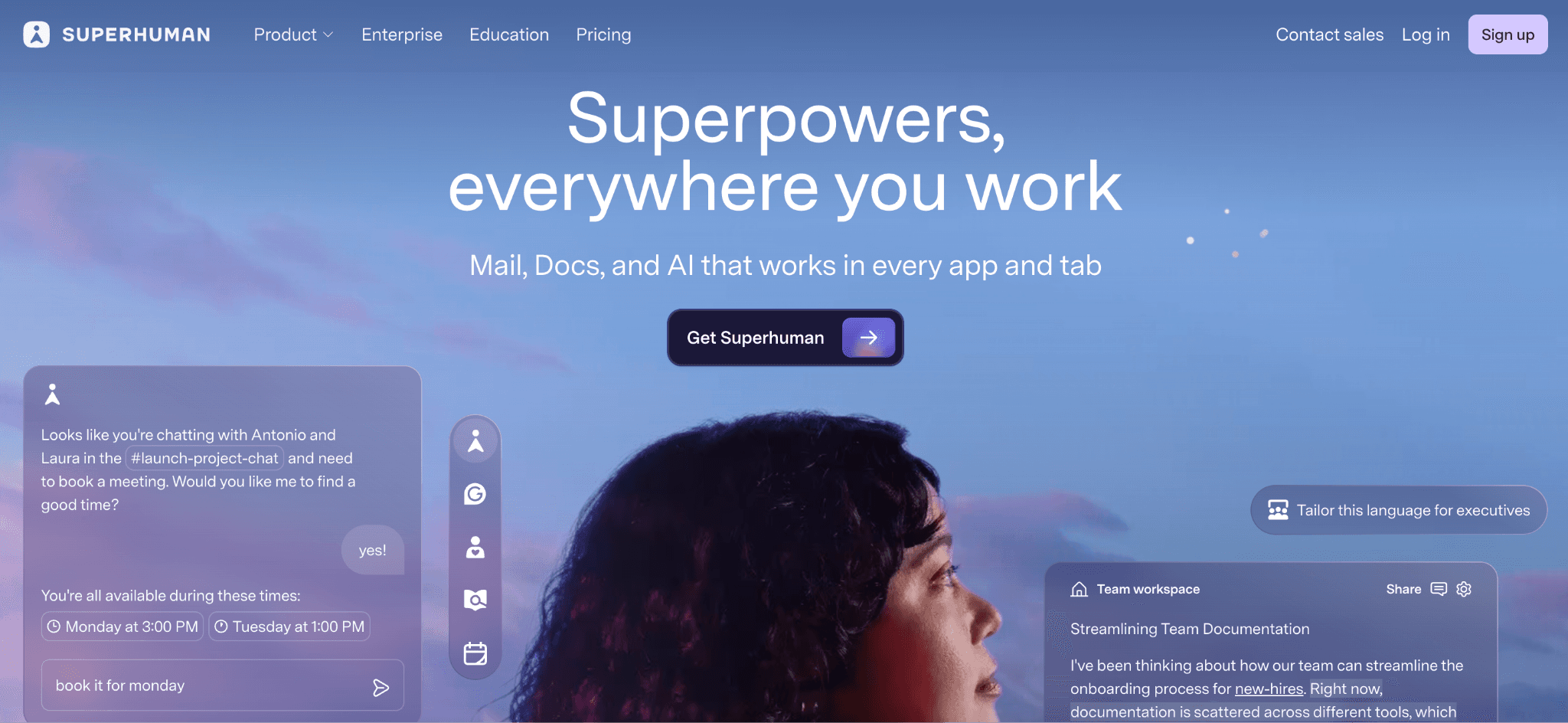
The interface is keyboard-first. Everything optimized for speed. You can process your inbox 3x faster than Gmail and it handles writing, sorting, and morning summaries.
➤ How it works
You import your Gmail or Outlook. Superhuman reads your email patterns and learns what matters. It highlights important emails and buries the rest.
Navigation is entirely keyboard-driven, with the AI drafting replies based on email threads and building a morning digest of your priorities automatically.
➤ Key features
AI-powered email sorting based on your patterns
Drafts replies that match your writing style
Daily morning briefing with your priorities
Instant search across all your email
Keyboard shortcuts for everything
Works with Gmail and Outlook
Mobile app with same speed optimization
Read receipts and follow-up reminders
➤ Integrations: Gmail, Outlook only. No integration with calendar, Slack, or other tools.
➤ Pros
✅ Saves one to two hours daily on email processing
✅ Reply drafting quality is strong
✅ Works immediately with zero setup
✅ Mobile experience keeps the speed advantage
➤ Cons
❌ Only handles email, ignores calendar, tasks and messaging
❌ Keyboard shortcuts require a learning period
❌ No team features or admin controls
❌ Missing integration with task management tools
➤ Pricing: $30/month (monthly billing). Annual plans available at discount.
➤ Best for: People receiving 100+ emails daily who need email to feel less overwhelming.
4. Reclaim AI - Best for Calendar Intelligence
Reclaim does one thing: it protects your time on your calendar.
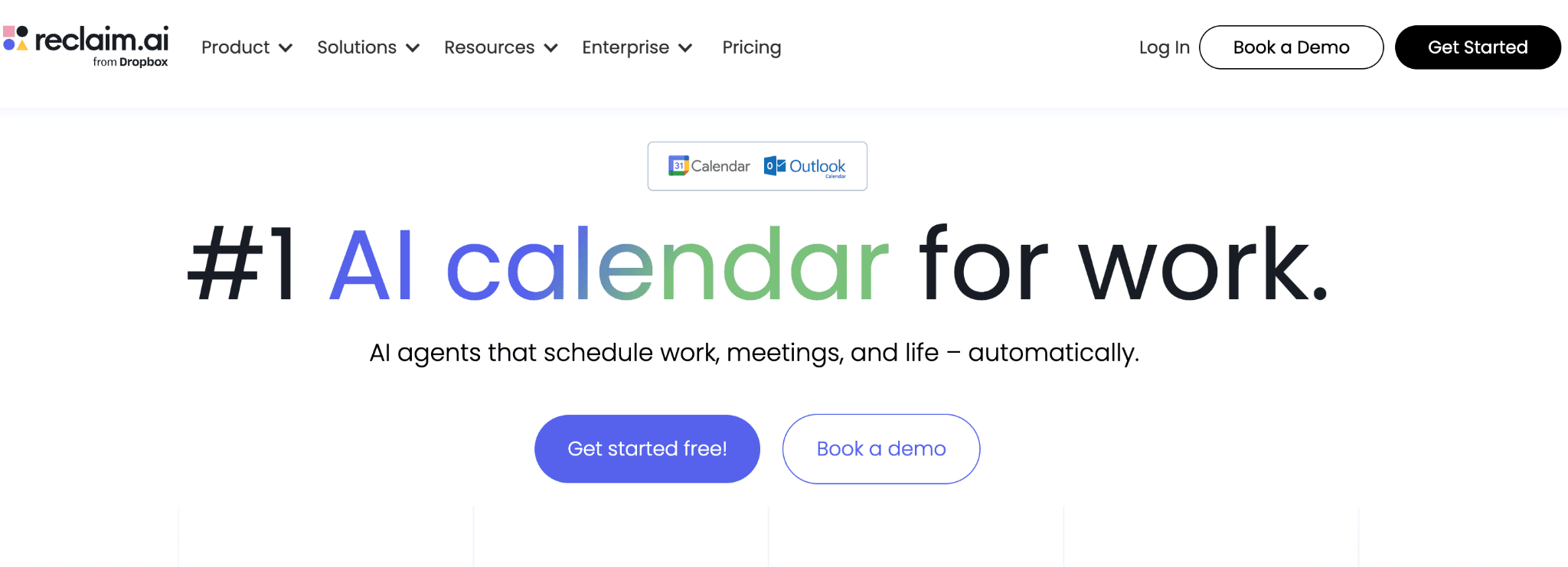
You tell it your habits (workout 3x weekly), your priorities (2 hours of focus time every morning), your flexible meetings (weekly 1:1s, any time Tuesday-Thursday).
Reclaim rearranges your calendar automatically to fit everything. When new meetings get booked, it shuffles around your protected time.
➤ How it actually works
You sync Google Calendar or Outlook, set focus time blocks, mark certain meetings as flexible, and add habits like workouts or lunch. From there, Reclaim takes over automatically.
When your manager books a meeting during your focus block, Reclaim moves the focus block and accepts the meeting. When someone books a meeting outside your preferred window, Reclaim reschedules it automatically.
➤ Key features
Auto-schedules your tasks based on deadline and time needed
Protects focus time blocks automatically
Defends personal time and habits (workout, lunch, etc.)
Balances calendars across teams (if shared)
Works with Google Calendar and Outlook
Learns your patterns and schedules better over time
Suggests optimal meeting times to organizers
Syncs with your task manager (Asana, Todoist, etc.)
➤ Integrations: Google Calendar, Outlook, Asana, Todoist, Jira, and 50+ other tools.
➤ Pros
✅ Solves calendar overload without ongoing manual effort
✅ Saves three to five hours weekly on scheduling decisions
✅ Works with any calendar tool
➤ Cons
❌ Only handles calendar, nothing else
❌ Does not capture meeting content or extract action items
❌ No email or CRM integration
➤ Pricing: Free tier available. Pro - $22/month.
➤ Best for: People with 8+ meetings daily who need to protect focus time and personal habits.
5. Fireflies.ai
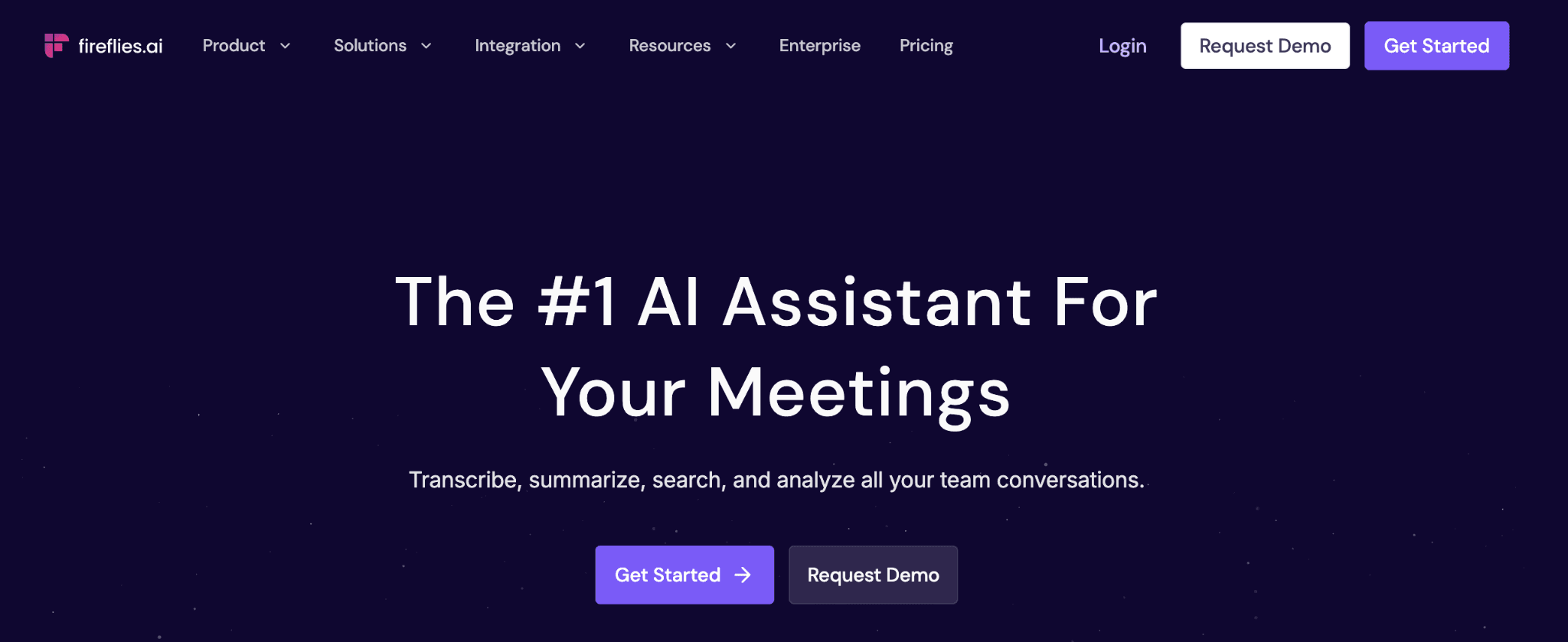
Fireflies joins your video meetings automatically and captures everything. It transcribes in real-time, generates meeting summaries, pulls action items, and builds a searchable library of all your meetings.
➤ How it actually works
You authorize Fireflies to access your Google Calendar or Outlook. Before every Zoom, Google Meet or Teams call, Fireflies automatically joins. It records and transcribes in real time. After the call it generates a summary, lists action items, identifies speakers and makes everything searchable.
You can search across all past meetings in plain language. "What did we decide about the product roadmap?" pulls every meeting mentioning that topic with timestamps.
➤ Key features
Automatic meeting recording and real-time transcription
AI-generated meeting summaries in seconds
Automatic action item extraction
Speaker identification across multiple participants
Searchable meeting library with transcript search
Works with Zoom, Google Meet, Microsoft Teams, Webex
Integrates with Slack (post summaries to channels)
Calendar integration (auto-joins from your calendar)
Share meeting notes with team members
Custom note templates
Integrations: Zoom, Google Meet, Microsoft Teams, Webex, Slack, Google Calendar, Outlook, Notion, HubSpot.
➤ Pros
✅ Transcription accuracy is consistently above 99%
✅ Searchable meeting history saves hours of manual note-checking
✅ Easy setup, authorise your calendar and it runs automatically
✅ Works across all major video platforms
➤ Cons
❌ Only handles meetings, nothing else
❌ Automatically records all calls which raises privacy questions with some participants
❌ Action items still need manual review and assignment
❌ Requires team buy-in on recording before rollout
➤ Pricing: Free tier: 300 minutes/month. Pro: $16.99/month per user (billed annually).
➤ Best for: Consultants, account managers, and anyone in meeting-heavy roles who needs accurate records and can't rely on manual notes.
Which AI Executive Assistant Should You Use
The right AI assistant depends on where your work actually happens and what you need help with.
If your day-to-day work runs through WhatsApp conversations, Perisclaw is built around that workflow. Perisclaw works well if you need:
AI that reads and understands WhatsApp conversations
Automatic capture of important details and follow-ups
Integrations with tools like Google Workspace and Claude
Quick setup without additional configuration
Best suited for people who manage communication and work directly from WhatsApp.
If you are solving a specific problem outside WhatsApp, a more focused tool may fit better:
Email overload (100+ emails daily) → Superhuman
Calendar and meeting scheduling → Reclaim AI
Meeting transcription and summaries → Fireflies.ai
Cross-tool workflows and automations → Lindy
A lot of these tools are designed around one workflow. Perisclaw takes a different approach by focusing on the communication layer where conversations, updates, and decisions already happen.
A practical way to choose is to start with the area where work creates the most friction, then add specialized tools only if a specific need comes up later.
FAQs
1. What is the best AI executive assistant in 2026?
Perisclaw if your work runs through WhatsApp. It's the only WhatsApp AI executive assistant that tracks commitments from your actual conversations without requiring a separate app. For multi-tool automation, Lindy. For email-only, Superhuman.
2. Is there a free AI executive assistant?
Perisclaw is free currently, with no paid tier announced. Reclaim AI and Fireflies both have free tiers. Lindy offers 400 free credits monthly.
3. Can I use an AI executive assistant on mobile?
Yes. Perisclaw works on Android and iPhone through WhatsApp. Superhuman, Reclaim, and Fireflies all have mobile apps. Lindy is web-based but works on mobile browsers.
4. What's the difference between an AI executive assistant and a productivity app?
Productivity apps help you organize what you already know needs doing. AI executive assistants run automatically in the background, catch things you might miss, and remind you proactively. One is reactive. The other is proactive.
5. Can an AI executive assistant replace a human EA?
No. An AI assistant for executives handles the operational layer — tracking commitments, reminders, scheduling, transcription. A human handles judgment calls, relationship management, and strategy.
6. Which AI executive assistant has the best privacy?
Perisclaw encrypts everything in isolated containers and never uses your data for training.
7. Can founders use AI executive assistants?
Yes. AI executive assistants can help founders manage follow-ups, meetings, communication and routine work across different tools. They reduce operational overhead and help teams stay organized as workloads grow.