9 Best Personal AI Assistants in 2026: Ranked and Compared

A year ago, persistent memory was a differentiating feature for personal AI assistants. In 2026, it is close to table stakes. What separates the best ones now is whether they act without being asked or wait for you to come to them.
That split shapes everything on this list. Some tools here are genuinely proactive. Some are the best on-demand AI available. Knowing which type you need is the fastest way to pick the right one.
We tested nine of the best personal AI assistants in 2026 across real daily use to find out what each one is actually worth.
Quick Picks: Best Personal AI Assistants Right Now
✅ Best for WhatsApp users: Perisclaw is the only personal AI assistant that runs on your actual WhatsApp number, connects to Gmail and Google Calendar and works without any technical setup.
✅ Best for email-heavy workflows: alfred_ runs your inbox continuously, drafts replies in your voice and delivers a morning brief every day across Gmail and Outlook.
✅ Best for multi-app automation: Lindy connects to hundreds of tools and lets you build custom AI agents for any workflow. Takes setup time but pays back consistently once configured.
Assistant | Best For | Key Strength | Key Limitation |
Perisclaw | WhatsApp users | Works inside your existing WhatsApp and proactively manages conversations | Less useful if your work happens primarily in email or Slack |
Lindy | Multi-app automation | Connects to hundreds of tools and supports custom AI agents | Requires significant setup and configuration |
Town | Lightweight personal assistance | Pre-built routines with minimal setup | Limited support outside the Google ecosystem |
ChatGPT | Research, writing and problem solving | Best-in-class reasoning and content generation | Not proactive and lacks operational context |
alfred_ | Email-heavy workflows | Autonomous inbox management and daily briefings | Focused almost entirely on email |
Thine | Personal intelligence and decision support | Learns from conversations and surfaces insights over time | Doesn't execute tasks or manage workflows |
OpenClaw | Self-hosting and customization | Complete control over data and infrastructure | Requires ongoing technical maintenance |
Motion | Calendar and task management | Automatically schedules and reprioritizes work | Limited outside scheduling workflows |
Notion AI | Notion users | Deeply integrated with workspace knowledge | Less useful if your work happens outside Notion |
What is a Personal AI Assistant?
A personal AI assistant is a tool that manages tasks, communications and information on your behalf, proactively, without needing to be asked every time.
This is different from a chatbot. A chatbot waits. A personal AI assistant tracks what is open, surfaces what needs attention and handles the operational layer of your day.
The main types in 2026:
|
Why Use a Personal AI Assistant in 2026?
People spend an average of 58% of their working time on tasks that do not move actual work forward - email management, chasing follow-ups, updating trackers, coordinating schedules. (Source: Asana State of Work, 2024).
Personal AI assistants are built to handle that layer. The result is not just saved time. It is fewer things falling through the cracks and more focus on the work that actually matters.
The tools available in 2026 are meaningfully better than a year ago. Memory is more reliable. Proactivity is more accurate. The best options now work inside the communication channels people already use rather than asking them to adopt a new system.
How Did We Evaluate These Personal AI Assistants?
Testing a personal AI assistant for a day tells you very little. The real picture shows up over weeks, once the novelty wears off and you can see whether the tool is actually saving time or just giving you something new to manage.
We evaluated each tool across seven dimensions that reflect how a personal AI assistant gets used in real life.
1. Memory
Does it remember who you are, what you are working on and what was said in your last conversation? Or does every session start from zero?
A tool with no memory is a search engine, not an assistant. The best ones carry context forward without you having to repeat yourself.
2. Proactivity
The hardest thing to build and the most valuable when it works.
Does the assistant surface things you need to know before you ask? Does it track open commitments, flag things that have gone quiet and prompt you at the right moment?
Proactivity is what separates a tool you rely on from a tool you occasionally consult.
3. Where it runs
An assistant that asks you to open a new app is already losing. The best personal AI assistants work inside the tools you already live in — your inbox, your calendar, your messaging app. The more you have to context switch to use it, the less you actually will.
4. Integration depth
Does it connect to the tools you actually use and how deep do those integrations go in practice?
An assistant that works in isolation from your email, calendar and communication apps is limited in what it can deliver.
5. Privacy
Personal AI assistants need access to your conversations, your email and often your calendar to be useful. That access needs to be handled carefully. We looked at what each tool does with your data, whether it is used for model training, and whether there are any options for private or encrypted infrastructure.
6. Ease of use
A powerful tool you never configure properly is not useful. We looked at how long it takes to get real value from each assistant, not just get it set up. Technical setup tolerance varies widely across this list.
7. Pricing
What the free tier actually gives you and what the paid plans cost and whether the pricing makes sense for personal use
The 9 Best Personal AI Assistants in 2026
1. Perisclaw
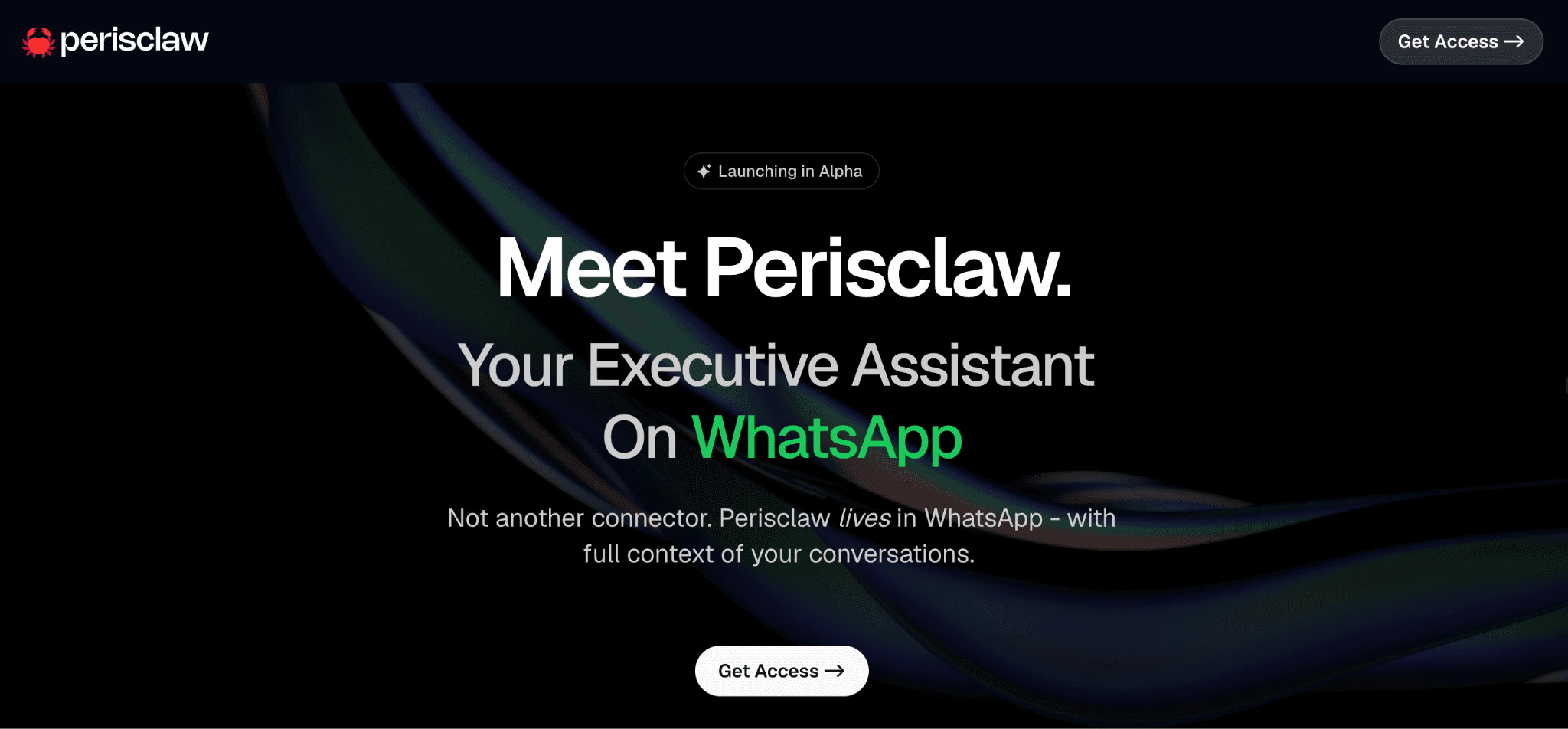
Perisclaw is a personal AI assistant that runs inside your actual WhatsApp number. Not a separate bot account, not a new app to download — your existing WhatsApp, with an AI working across your real conversations.
It lives where you already are.
Every other tool on this list asks you to go somewhere new. Perisclaw works inside the app where your clients message you, your team makes decisions, commitments get made and your personal life runs alongside all of it.
You interact through your self-chat.
Type or drop a voice note and Perisclaw acts across all your conversations. It tracks commitments, drafts replies in your tone, summarizes group chats you missed, sets reminders based on what happens in threads and delivers a morning digest at a time you choose.
If you have looked at OpenClaw as a personal AI assistant option for WhatsApp, Perisclaw is the fully managed version of that idea. Same privacy principles, same WhatsApp-native experience, without any technical setup, session drops or ongoing maintenance.
The privacy architecture is built differently from most managed tools. Every user gets a completely separate private encrypted container. Your conversations are never used for model training, and nobody outside your own account, including Perisclaw's team, has access to your data.
What it does:
Runs on your own WhatsApp number, no new app needed
Morning digest covering only what you want to know
Tracks commitments and follow-ups across all chats automatically
Drafts replies in your tone for review before sending
Accepts voice notes the same as text
Contextual memory — knows who people are and what was last agreed
Google Calendar and Gmail integration
Saves invoices, PDFs and documents from chats to Google Drive
Conditional reminders that fire based on conversation activity
Group chat summaries with decisions and action items surfaced
Private encrypted server, data never used for training
Pricing: Free during alpha, no paid tier exists yet so there's nothing currently gated.
Not the right fit if:
Your work and personal life runs primarily through email or Slack rather than WhatsApp
How to get started: Setting up Perisclaw on WhatsApp takes minutes. Get free access at perisclaw.com.
2. Lindy
Lindy connects to email, calendar, CRM, Notion, Slack, HubSpot and hundreds of other apps. You build custom AI agents, each with their own triggers and instructions, that run in the background, handling the workflows you define.
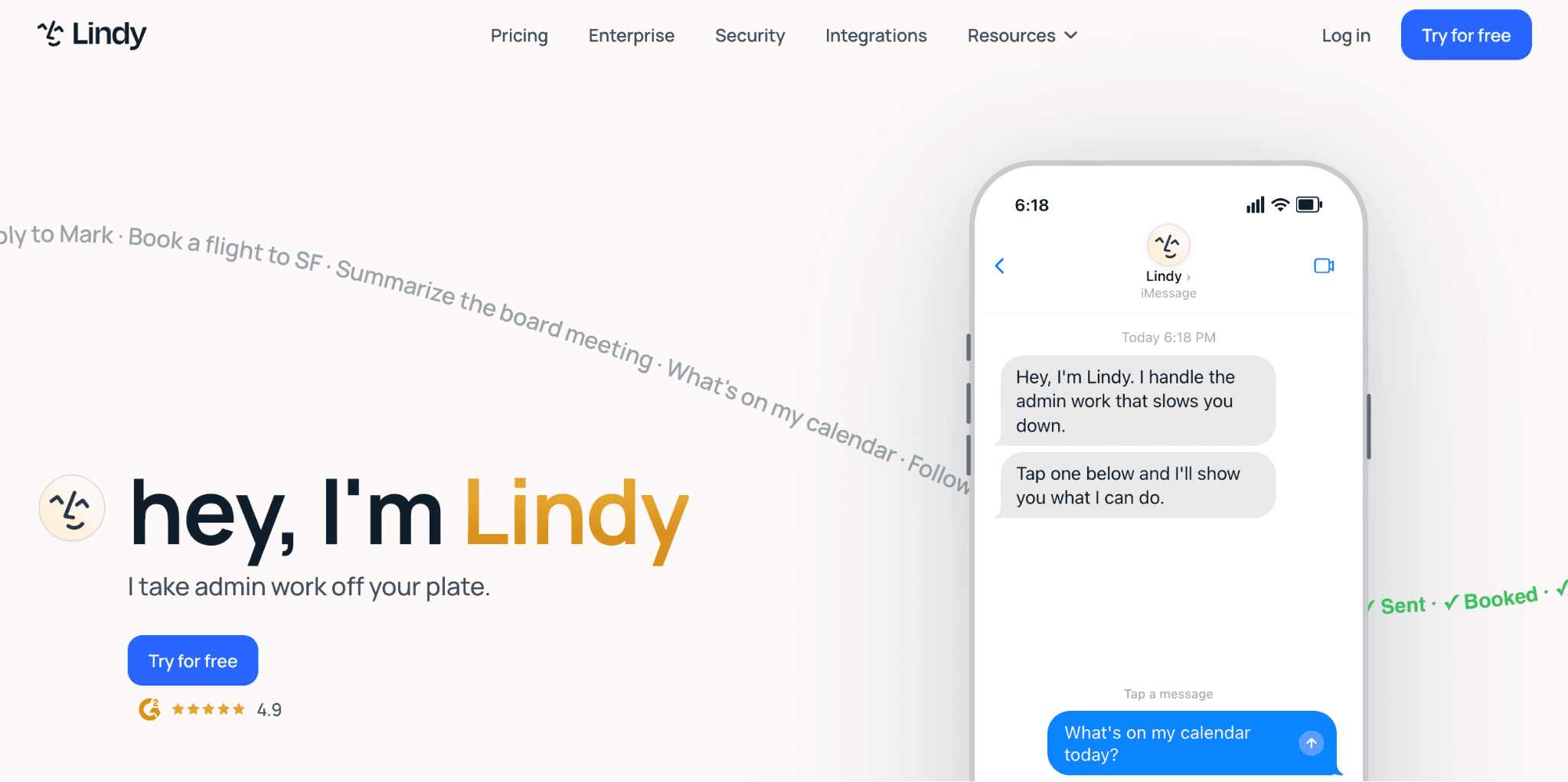
One monitors your inbox and drafts replies. Another prepares you for meetings. Another follows up on deals that have gone quiet.
Lindy rewards patience. Getting it working the way you want takes real setup time — agents need to be configured, tested and refined before they become reliable. For people who want a personal AI assistant that delivers value immediately, that curve is a real friction point. For people willing to invest a few hours upfront, it pays back consistently.
What it does:
Custom AI agent builder for any workflow
Email sorting and reply drafting
Meeting preparation with context from connected tools
Automation across Slack, Notion, HubSpot, Salesforce and more
Reachable over email and iMessage
Builds memory of your preferences and patterns over time
Pricing: Free plan with 400 credits/month. Higher usage and custom agent limits require Starter at $19.99/month or Pro at $49.99/month.
Not the right fit if:
You want something that works out of the box with no configuration
Your main communication happens in WhatsApp rather than email
3. Town
Town gives each user a personalized AI assistant called a Townie, with its own @town.com email address. You forward emails to it, message it on WhatsApp, Slack or Telegram and it handles inbox sorting, scheduling, contact research and morning briefings across your apps.
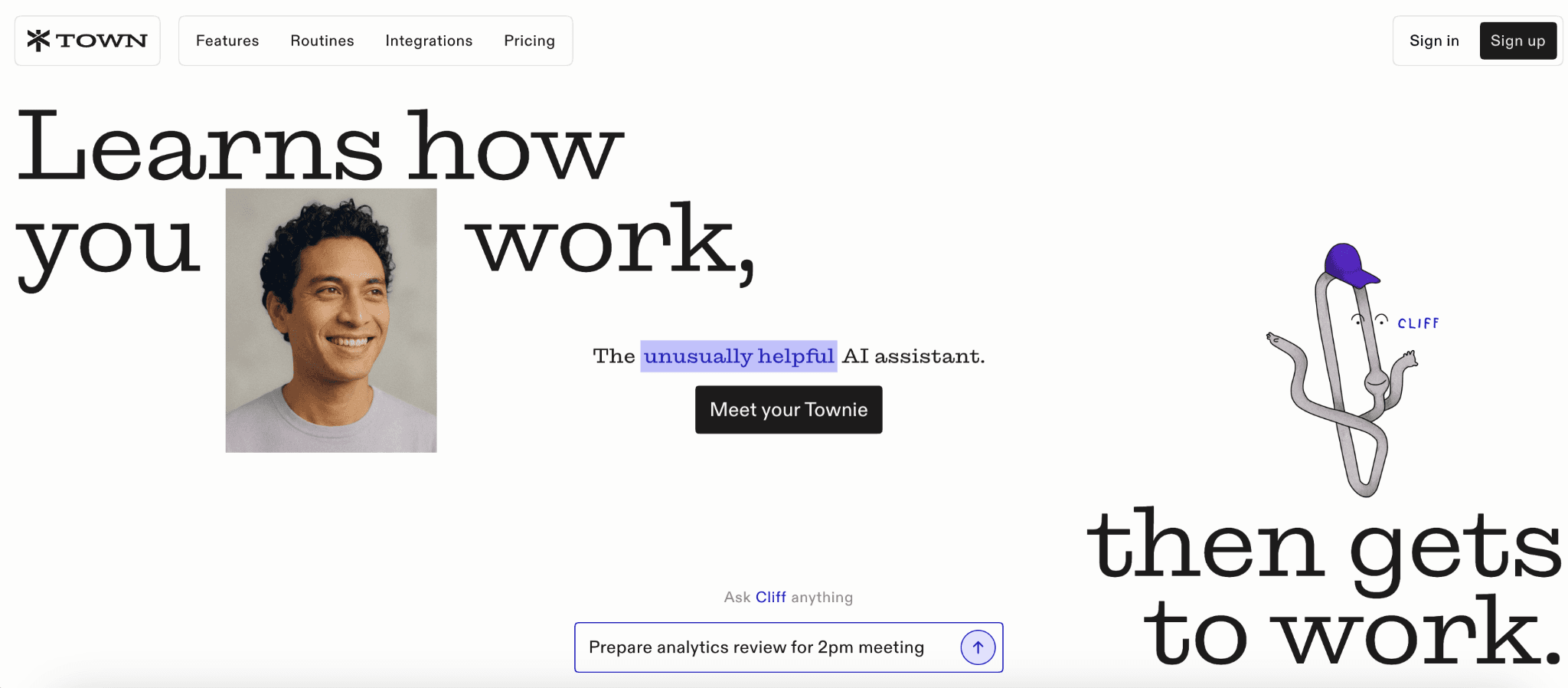
Pre-built routines cover the most common daily workflows without requiring any setup, which is a genuine differentiator for people who want value quickly.
Two things worth knowing before you start. Town is Google-only for email and calendar — Outlook and Microsoft 365 users cannot use the inbox features. The free tier is 30 chats per month.
What it does:
Personalized AI assistant with its own email address
Inbox triage and email management (Google only)
Scheduling and calendar management
Contact research and morning briefings
Works across email, WhatsApp, Slack and Telegram
Pre-built daily routines with no setup needed
Pricing: Free tier includes 30 chats/month and a weekly briefing, with a 14-day Pro trial on signup. Daily briefings, custom routines, and research lookups require Starter at $15/month or Pro at $49/month billed annually.
Not the right fit if:
You use Outlook or Microsoft 365
You need custom workflows beyond what pre-built routines cover
Data residency or self-hosting matters to you
4. ChatGPT
ChatGPT is the best on-demand AI for writing, research, brainstorming and working through problems.
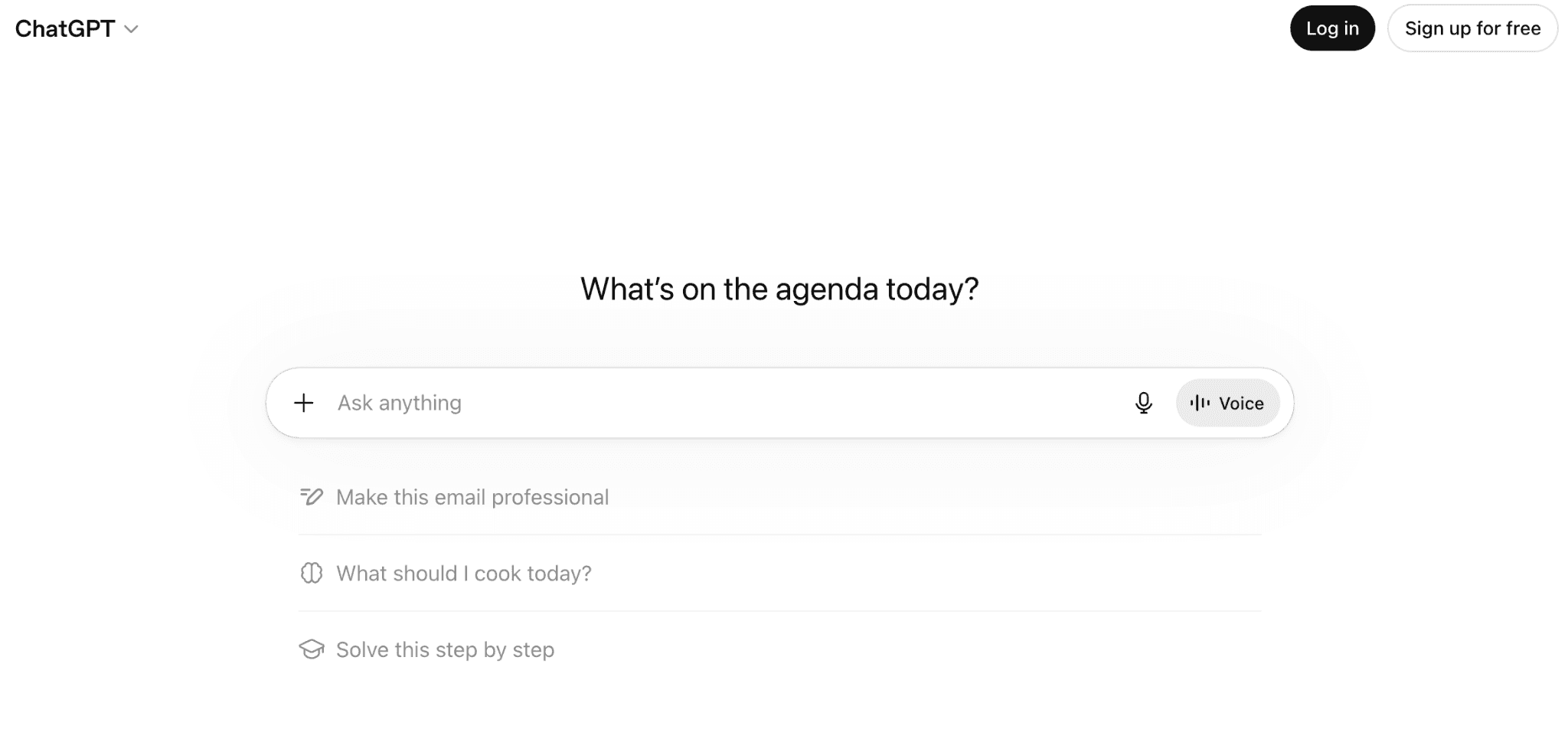
Where it stops being a personal AI assistant is in everything proactive. It has no idea what is happening in your day. It does not know who you spoke to, what was agreed in your last meeting, or what has been sitting in your inbox. Every session starts fresh unless you provide context manually. Memory helps with preferences and working style but it does not track your work or act without being prompted.
The practical recommendation: use ChatGPT for thinking and writing. Pair it with a proactive personal AI assistant for the execution layer. They serve different purposes and work better together than as replacements for each other.
What it does:
Writing, reasoning and analysis
Web browsing and research
Memory of preferences across conversations
Custom GPTs for repeated tasks
Image generation and analysis
Voice mode
Pricing: Free plan available with usage limits on advanced models. Plus at $20/month, Pro at $200/month for higher limits and full feature access.
Not the right fit if:
You want a personal AI assistant that monitors your day and acts without being prompted
5. alfred_
alfred_ runs continuously in the background, triages your inbox overnight, drafts replies that match your voice and writing style, extracts tasks and commitments from email threads and delivers a Daily Brief each morning combining your email, calendar and outstanding tasks.
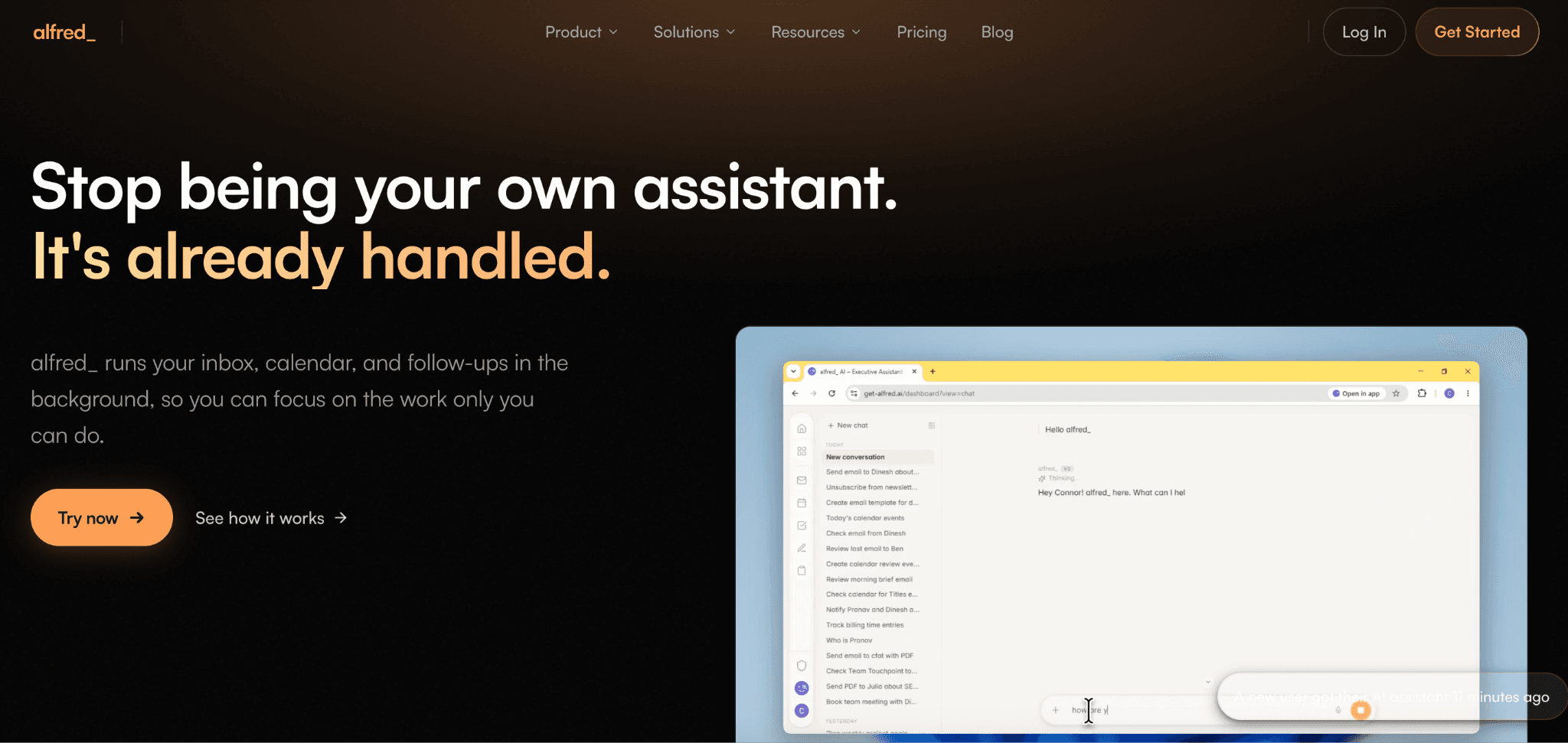
The Daily Brief is the standout feature. You wake up knowing what matters, what needs a response and what is on your calendar before touching a single email. For anyone managing a high-volume inbox, that changes how the morning starts.
alfred_ covers Gmail and Outlook. It does not touch WhatsApp, Slack or other messaging channels. If your work spans multiple communication surfaces, it handles the email layer well and leaves the rest to other tools.
What it does:
Autonomous email sorting across Gmail and Outlook
Voice-matched reply drafting
Task and commitment extraction from email
Daily Brief combining email, calendar and tasks
Calendar intelligence and meeting preparation
Runs continuously without prompting
alfred_: $24.99/month, with a 7-day free trial.
Not the right fit if:
Your work happens primarily in WhatsApp or Slack rather than email
6. Thine
Thine is the most unusual tool on this list. It is not a task manager or a scheduling assistant. It is what the company calls a personal intelligence — an iOS app that learns from your in-person conversations and builds an ongoing understanding of how you think, decide and prioritize.

The experience is ambient. Thine runs in the background, listens to real-world conversations and over time, surfaces insights, reveals patterns and connects the dots between people, plans and decisions. You consult it before a significant decision or a difficult conversation rather than asking it to send an email.
It is genuinely different from everything else here. Whether that is a strength or a limitation depends entirely on what you are looking for.
What it does:
Builds a model of your priorities, patterns and relationships over time
Surfaces insights and context before important decisions
Reveals patterns across your conversations
Privacy controls including pause and delete at any time
iOS only, does not capture phone calls or VoIP
Pricing: Not publicly disclosed; check thine.ai
Not the right fit if:
You need task execution, inbox management or scheduling
You want a personal AI assistant that takes action rather than supports thinking
7. OpenClaw
OpenClaw is the self-hosted personal AI assistant on this list. It runs on your own hardware, connects to WhatsApp via the WhatsApp Web protocol and integrates with Gmail, Google Calendar, GitHub and Obsidian through a skills-based extension system.
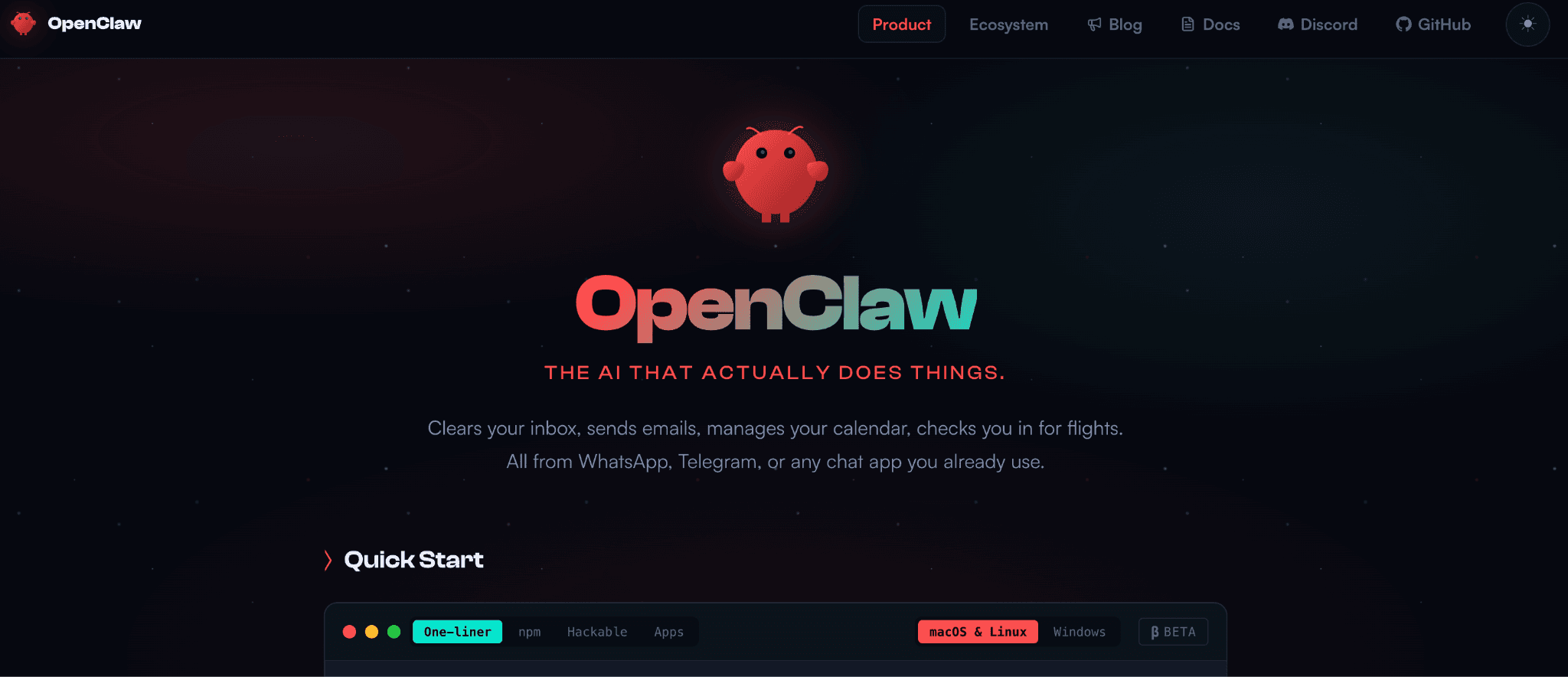
Your data stays on your device. You choose the LLM and configure everything.
For technically confident users who want complete ownership over their personal AI assistant, the flexibility is unmatched. For everyone else, the maintenance overhead is the deciding factor.
Getting it running requires comfort with the command line, server setup and dependency management. Keeping it running means dealing with session drops, updates that break configurations and debugging when integrations stop working. There is no built-in monitoring and no safety net.
For anyone who wants the OpenClaw personal AI assistant experience on WhatsApp without managing the infrastructure themselves, Perisclaw is the fully managed alternative. It delivers the same WhatsApp-native, private AI assistant experience without any of the technical overhead. Get access at perisclaw.com. |
What it does:
Open source, runs on your own hardware
WhatsApp integration via wacli
Gmail, Google Calendar, GitHub, Obsidian integrations
Persistent memory across conversations
Fully customizable skills and workflow configuration
Multi-platform: WhatsApp, Telegram, Slack, Discord, iMessage and more
Pricing: Free, open source. Infrastructure and hosting costs are your own.
Not the right fit if:
You are not comfortable with server management and ongoing debugging
Reliability and uptime matter more than control
8. Motion
Motion takes your tasks, deadlines and meetings and builds your day automatically, time-blocking work into your calendar based on priority and available time. When plans change, it reschedules everything dynamically without you touching it.
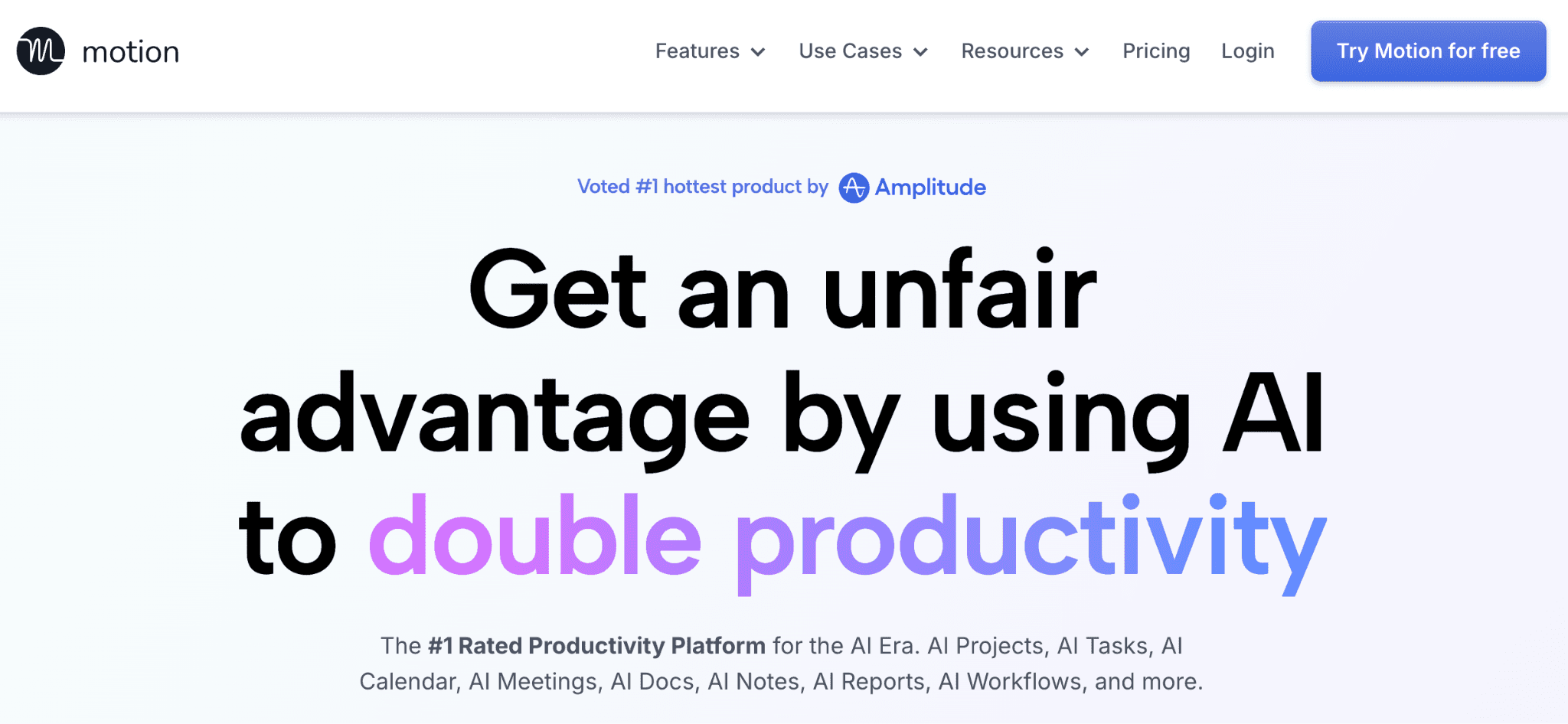
For anyone who has spent time manually reorganizing their calendar around a shifting day, the value is immediate. In late 2025, Motion added AI Employees, virtual agents that handle email organization and meeting preparation, extending the product beyond pure scheduling.
Motion is deliberately narrow in scope. It does not manage WhatsApp conversations, track messaging commitments or handle relationship follow-ups. For the specific job of making sure your most important work gets time on your calendar each day, it is one of the strongest tools available.
What it does:
Autonomous task scheduling and calendar time-blocking
Dynamic rescheduling when priorities or plans change
AI meeting notes and action item extraction
Email organization via AI Employees tier
Project and deadline management
Available on web, iOS and Android
Motion: Individual Pro AI from $19/month billed annually, with a 7-day free trial.
Not the right fit if:
You need help with messaging, follow-ups or relationship management across communication channels
9. Notion AI
Notion AI is embedded directly in your workspace. It drafts documents, summarizes meeting notes, searches across your pages and runs autonomous agents on your actual content rather than the open web.
The core advantage is grounded context. If your meeting notes, project specs and knowledge base all sit in Notion, the AI works with your real data. Ask it to prepare a brief for a client call and it pulls from your actual notes on that client, not a generic template.
The limitation is the same thing from the other direction. If your work does not happen in Notion, this tool does not help you. It does not manage your WhatsApp, handle your email independently or function as a standalone personal AI assistant.
It is a workspace AI, not a proactive assistant.
What it does:
AI embedded across all Notion pages and databases
Document drafting, summarizing and editing
Workspace-wide Q&A search across your actual content
Autonomous agents for multi-step tasks
Meeting notes and transcription
Database autofill and formula generation
Pricing: Included in Business plan at $20/user/month ($15/user/month annual). Free plan includes limited AI trial.
Not the right fit if:
You do not already use Notion as your primary workspace
You want a proactive personal AI assistant that works across your communication channels
Which Personal AI Assistant Should You Choose?
The right personal AI assistant depends on where your work and life actually happen.
☑️ You manage your work and personal life through WhatsApp
Most people in this category have tried productivity tools and found them too far from where the actual work happens. If your clients, team and personal commitments all live in WhatsApp, the only tool here built around that reality is Perisclaw.
☑️ Your work runs through email
alfred_ and Town are both strong here. alfred_ works from day one and runs your inbox continuously without setup. Town is newer, has pre-built routines and is worth considering if you are on Google Workspace.
☑️ You need an AI that thinks with you, not one that manages your day
ChatGPT is the right call. It is not proactive and will not track your commitments, but for research, writing and working through complex problems nothing on this list beats it.
☑️ You want AI to handle the coordination layer across multiple tools
Lindy connects to more platforms than anything here and lets you build agents for each workflow. Motion is narrower but stronger if scheduling is the main bottleneck.
☑️ You have a specific setup in mind
OpenClaw if you want full control and are comfortable self-hosting. Notion AI if your work already lives in Notion. Thine if you want something that learns from real-world conversations rather than managing tasks.
FAQs for Personal AI Assistants
1. What is the best personal AI assistant in 2026?
It depends on where your work happens. Perisclaw is the best option for anyone whose day runs on WhatsApp. Lindy is the strongest choice for multi-app workflow automation. alfred_ leads for email-heavy workflows. ChatGPT is the best on-demand AI for writing and research.
2. What is the difference between a personal AI assistant and a chatbot?
A chatbot waits for you to ask it something. A personal AI assistant acts on your behalf without being prompted. It tracks commitments, manages follow-ups and surfaces what needs your attention before you think to ask. Most tools marketed as personal AI assistants are still closer to chatbots.
3. Which personal AI assistant works inside WhatsApp?
Perisclaw runs natively inside WhatsApp on your own number. Town can receive messages via WhatsApp but is not built around it. Most other tools on this list do not touch WhatsApp at all.
4. What personal AI assistant has the best memory?
Perisclaw builds contextual memory from your actual WhatsApp conversations over time. It knows who people are, what was agreed and what is still open. OpenClaw also has persistent memory but requires self-hosting. ChatGPT's memory feature covers preferences and working style but not your real-world commitments.
5. Which personal AI assistant is best for email?
alfred_ is the strongest option for email. It sorts your inbox overnight, drafts replies in your voice and delivers a morning brief combining email, calendar and outstanding tasks. It works across Gmail and Outlook.
6. Is there a free personal AI assistant?
Perisclaw is free during its alpha phase. ChatGPT has a usable free tier for on-demand use. Lindy offers a free plan with 400 credits per month. OpenClaw is free and open source but requires technical setup and your own infrastructure.
7. What personal AI assistant is best for founders and solopreneurs?
Perisclaw is built for anyone managing work and personal life through WhatsApp, which includes most founders and solopreneurs. It handles the operational layer across all your conversations without adding another tool to your stack. For those who need deeper multi-app automation, Lindy is the strongest alternative.