WhatsApp AI assistant for clinics and doctors: what it can safely take off your plate

You finish the morning OPD and open WhatsApp to 40 unread chats: three patients asking to move today's appointment, the lab asking when to collect samples, the distributor confirming half an order, and the staff group arguing about Saturday's roster. Somewhere in there is a patient who asked a simple question yesterday and never got a reply. Clearing it takes your lunch break, every day.
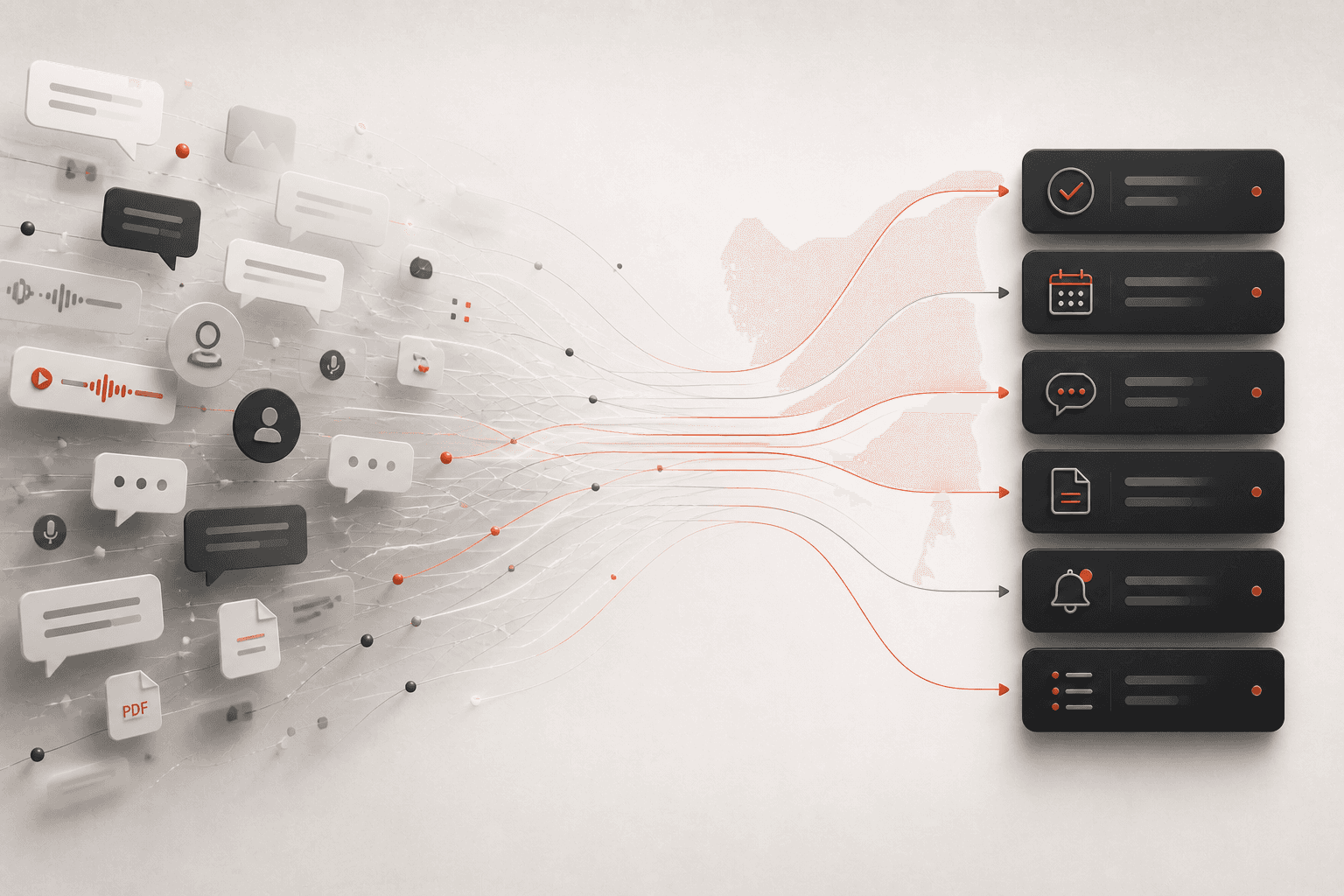
A WhatsApp AI assistant for clinics is most useful for the admin around patient care, not the care itself. Perisclaw runs on your own WhatsApp or WhatsApp Business app number as a linked device and helps with appointment confirmations and reschedules, staff group summaries, supplier follow-ups and finding messages that still need a reply. It is not a medical records system, it makes no claims about HIPAA or other health-data rules, and it isn't meant for clinical details. You can block any chat so it can't read it at all.
What Perisclaw is not built for
Read this part before you connect a number patients use.
It is not a medical records system: don't use it to store, look up or summarise diagnoses, prescriptions, test reports or treatment notes. Keep those in your clinic software or records system.
It makes no health-data compliance claims: Perisclaw's docs don't describe HIPAA compliance, business associate agreements or any certification for regulated health data. Its security certification is ISO 27001, a general information-security standard. If you work under HIPAA, GDPR's rules on health data, India's DPDP Act or similar rules, check with your own adviser before letting any outside tool read patient conversations.
It reads the chats you allow: by default, Perisclaw can read your chats in order to do its work. Your data stays in your own isolated environment, is encrypted, and is never used to train AI models. That still means patient messages in readable chats are processed by your assistant.
How to keep sensitive chats out of its reach
Perisclaw gives you three controls, and a clinic should use them from day one:
Block a chat: say "never read" followed by the chat name in your self-chat, or block it under Blocked chats in Settings → Permissions. Perisclaw then can't read, search, summarise or quote that chat.
Use WhatsApp Chat Lock: lock a chat in WhatsApp and Perisclaw treats it as blocked automatically. While it's locked, the assistant can't read it, search it, write to it or use it in background work. Take the lock off and access comes back.
Hide one message with /ignore: add
/ignoreto a message you send and Perisclaw won't act on it or return it in later searches.
The cleanest setup is to keep booking and logistics separate from clinical conversations. If patients send reports or symptoms to the same number they book on, lock or block those chats, and ask patients to share reports through the channel your clinic already uses for records. Blocked chats also drop out of everything else on this page, including the unanswered-messages review, so decide chat by chat.
Clinic admin Perisclaw handles well
Appointment confirmations and reschedules
If your appointments live in Google Calendar or Outlook, connect it and Perisclaw can see your day. When a patient writes "can I come at 6 instead of 4?", it drafts a reply with the free slots in your self-chat, and sends it when you say "send". For a reminder to a single patient: "Tomorrow at 9, send Mrs Iyer: your appointment is at 11:30, please arrive ten minutes early."
You can also set up a short evening routine: "Every weekday at 7pm, send me tomorrow's appointments from my calendar." Then ask it to message the patients you pick and approve each draft. Be honest with yourself about volume, though. If you send the same message to many people, Perisclaw stops after 15 chats in one go and asks before continuing, so if you send dozens of reminders a day, an appointment-reminder tool built on the WhatsApp Business API is the better choice.

Review of unanswered patient messages
At the end of a clinic session, ask: "Which patients messaged me today and haven't had a reply yet? Just list names and what they asked about." Perisclaw also labels chats Needs You, Waiting or Later as things change, so your chat list shows who is still waiting, and your morning briefing brings yesterday's misses back. Keep the request about logistics; blocked and locked chats won't appear.
Staff group summaries
In the staff or front-desk group, type /claw summarize today's decisions about the roster and what's still open and Perisclaw answers in the group. A native WhatsApp poll settles the Saturday shift ("Poll the staff group: who can cover Saturday 9 to 1?"), and Perisclaw tells you who hasn't voted. If the group is noisy, ask for a weekday 1pm summary in your self-chat instead of reading 150 messages.
Supplier and vendor follow-ups
Distributors, labs, equipment service and the landlord all run on WhatsApp too. Hand over a chase once: "Ask the distributor for the rest of last week's order every two days until it's delivered. Tell me if they give a date past Friday." Before it starts, Perisclaw shows you who it will message, how long it waits and when it stops, and it stops when they reply. Invoices that arrive as PDFs can go straight to Drive ("save this to Clinic invoices, November"), and amounts can be logged to a Google Sheet.
Voice notes between consultations
Thirty seconds between consultations is enough for one voice note to your self-chat: "Remind me to call the equipment service at 5, ask the lab when the courier is coming, and move my Thursday evening slot to 7." Perisclaw handles each part. Messages it sends for you go out as you, with no assistant label.
When to use something else
Need | Better fit |
|---|---|
Patient records, prescriptions, reports | Your clinic management or records software |
An after-hours reply, greeting and saved answers | The free WhatsApp Business app (away message, greeting message, quick replies, labels) |
Dozens of appointment reminders a day | A Business API reminder tool, paid per template message |
Your own admin: staff groups, suppliers, reschedules, unanswered messages | Perisclaw |
Perisclaw connects as a linked device, which WhatsApp didn't build for outside tools, and WhatsApp's help centre warns that linking unofficial apps can lead to a ban. It's built for normal one-to-one work and stops before anything looks like bulk sending. Nobody outside WhatsApp can promise zero risk, so we don't. For the wider picture, read what a WhatsApp AI assistant is and whether it's safe.
FAQ
Is there an AI assistant for clinic owners who get patient messages on WhatsApp?
Yes. Perisclaw works on the number patients already message and helps with the admin around those messages: reschedules, reminders, unanswered chats, staff groups and suppliers. It isn't a medical records system, and you should block or lock chats that contain clinical details.
Is Perisclaw HIPAA compliant?
Perisclaw doesn't claim HIPAA compliance or any certification for regulated health data. Its docs describe ISO 27001, encryption, isolated environments and no training on customer data, which is general security, not a health-data guarantee. Don't use it for clinical information.
Can I stop it from reading certain patient chats?
Yes. Say "never read" plus the chat name, block it in Settings → Permissions, or lock it with WhatsApp Chat Lock. A blocked or locked chat can't be read, searched, summarised or quoted.
Will it reply to patients on its own?
No, not by default. It drafts each reply in your self-chat and sends when you approve. The exceptions are ones you choose: a chat you've told it to message without drafts, or a routine you set up yourself, and you see who a routine will message before it starts.
Can it send reminders to all my patients at once?
No. It stops after 15 chats in one go and asks before continuing, because broadcast-style sending can get your number flagged. For high-volume reminders, use a Business API tool.
Spend your lunch break on lunch, not the WhatsApp backlog. Start your 7-day free trial →
Try Perisclaw free
Your personal AI assistant on WhatsApp. It reads the chats you allow and gets things done for you. 7-day free trial, no card needed.
Start for free